
Picture this: your new app launches, users love the idea, but it crashes because the API spits back garbage data. Frustrating, right? That API acts as a messenger between your app and a server, carrying requests and responses. Bugs hide there often, so you test early to fix them fast.
Testing saves hours of debugging later. It builds confidence before you go live. Best part? Free tools handle it all without fancy coding skills. Postman offers a visual playground. Curl works from your terminal. You name it.
In this post, we pick the top free options from 2026 updates. Then we send real requests step by step. Finally, we add tests and dodge common traps. By the end, you’ll test your first API in minutes. Let’s jump in.
Choose Your Weapon: Top Free Tools for Easy API Testing
You need tools that fit your style. GUI fans grab Postman or Insomnia. Terminal lovers pick curl or HTTPie. SoapUI suits scripted checks. All free tiers shine for solo work, per recent updates.
These handle REST, GraphQL, even SOAP. No steep installs. They send requests, check responses, and automate basics. Pick one, and you’re set.
Here’s a quick comparison to match your needs:
| Tool | Free Type | GUI/CLI | Best Strength | Limits |
|---|---|---|---|---|
| Postman | Free plan | GUI | Team collab + AI | Usage caps |
| Insomnia | Open-source | GUI | Offline collections | None core |
| Curl | Open-source | CLI | Scripts/automation | Learn syntax |
| HTTPie | Open-source | CLI | Easy pretty output | CLI only |
| SoapUI | Open-source | GUI | SOAP/scripts | Steeper curve |
For more on 2026 rankings, check top REST API testing tools.
Postman: The Go-To for Visual API Testing
Postman tops lists with 40 million users. Its free plan covers basics like request building and sharing collections. You drag and drop, save tests, even use AI for snippets.
It integrates with CI tools. Teams collaborate easy. Download from Postman’s site. Free limits hit harder now, one user max, but solo devs thrive.
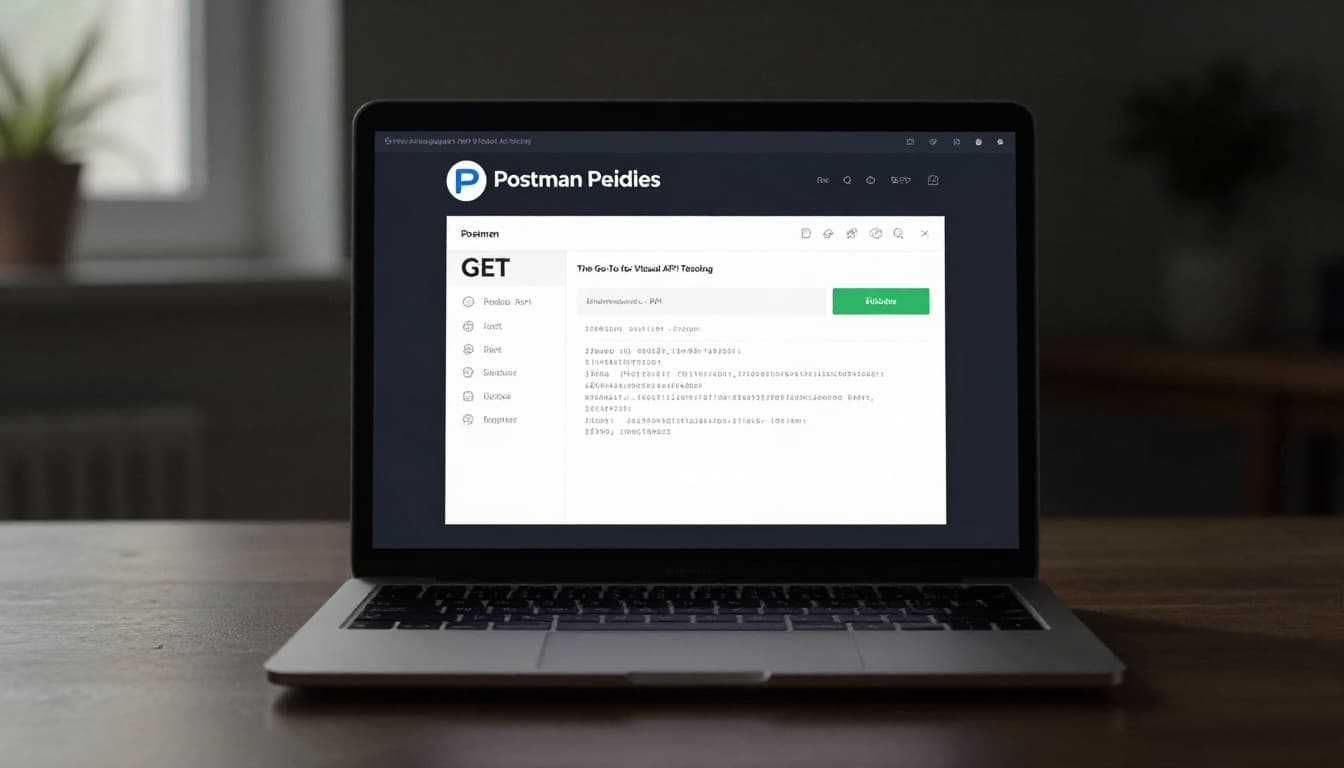
Newbies love the interface. It feels like a workbook for APIs.
Curl and HTTPie: Command-Line Speed Demons
Curl comes built-in on most machines. You type one line for quick checks. Scripts chain calls perfect.
HTTPie adds colors and JSON smarts. Syntax feels natural. Both updated for HTTP/3 speed in 2026.
Example: curl https://jsonplaceholder.typicode.com/posts/1 grabs fake data fast. No GUI needed, so servers run lean.
Insomnia and SoapUI: Hidden Gems for Simplicity
Insomnia keeps it local-first. No accounts, Git sync built-in. Great for GraphQL too.
SoapUI drags tests together. It scripts SOAP or REST flows. Open-source stays free forever.
Both cut fluff. You focus on APIs.
Send Your First Request: Step-by-Step Walkthrough
Start simple. Grab a public API like JSONPlaceholder. It fakes posts, users, no keys needed.
Universal steps work everywhere:
- Enter the endpoint URL.
- Pick method: GET fetches, POST sends.
- Add headers or body data.
- Hit send.
- Check status, body, headers.
Now hands-on with Postman. Open it, click New > HTTP. Paste https://jsonplaceholder.typicode.com/posts/1. Select GET. Send. Boom, JSON returns.
Terminal? Run:
curl -X GET https://jsonplaceholder.typicode.com/posts/1
Response shows user ID, title, body. Success.
For tutorials on JSONPlaceholder examples, see Postman API testing scenarios.
Craft GET and POST Requests That Work Every Time
GET pulls data. Try https://jsonplaceholder.typicode.com/users. Lists names, emails.
POST creates. In Postman, switch to POST. Add body:
{
  "title": "foo",
  "body": "bar",
  "userId": 1
}
Set Content-Type: application/json header. Send to /posts. Gets 201 back with ID.
Auth? Add key in Headers: Authorization: Bearer yourkey. Basics covered.
Spot Success or Failure in API Responses
Status codes tell the story. 200 means OK. 201 for created. 400 flags bad input. 401 needs login.
Tools show tabs: Body (JSON), Headers, Time. Validate JSON pretty-prints it.
Common: 404? Wrong URL. 500? Server hiccup. For a full HTTP status codes guide, dig deeper.
Check response time too. Slow? Flag it.
Level Up: Validate Results and Automate Checks
Manual sends work once. Tests run every time. Postman scripts check status:
pm.test("Status is 200", () => {
  pm.response.to.have.status(200);
});
Add to Tests tab. Run collection for all.
Insomnia plugins assert data. Curl pipes to jq: curl ... | jq '.id'. SoapUI drags assertions.
2026 trend: Postman’s AI generates tests. Chaining? One response feeds next request.
Keep simple first. Match keys, lengths.
Write Quick Tests to Catch Sneaky Bugs
Test key exists:
pm.expect(jsonData).to.have.property('userId');
Array length: pm.expect(pm.response.json().length).to.eql(10);
Regex emails: pm.test("Valid email", () => { pm.expect(email).to.match(/@example.com$/); });
HTTPie: http GET api.example.com | jq 'select(.id > 0)'.
Bugs hide in edges. Tests smoke them out.
Common Pitfalls and Pro Tips for Smooth Testing
Forget Content-Type? POST fails. Rate limits hit? Wait or headers.
Wrong auth kills 401s. Fix with environments: vars hold keys.
Pro tip: Postman mocks servers. Test offline. Version collections in Git.
One win: I caught a prod bug pre-launch with chained tests. Saved downtime.
Watch AI tools cut maintenance. Experiment now.
Ready to Test Like a Pro
You picked tools like Postman or curl. Mastered GET/POST sends. Added tests for reliability.
Grab one today. Hit JSONPlaceholder. See it work.
Share your first response in comments. What API next? This skill lands jobs, fixes apps fast.
Simple tools deliver big wins. Your APIs stay solid.