
Imagine APIs as messengers that carry notes between apps. They let one program ask another for data or actions without you seeing the back-and-forth. An API, or Application Programming Interface, acts as a bridge so software talks smoothly.
You might wonder why this matters as a beginner. Knowing types of APIs for beginners cuts confusion and speeds up your first projects. You build apps faster because you pick the right tool from the start. No more trial-and-error headaches.
We start with basic sorts by access and location. Then we cover key protocols like REST, SOAP, GraphQL, and real-time options. These choices save time and dodge pitfalls. Let’s break it down step by step.
How APIs Get Sorted: Access Levels and Location Basics
APIs fall into groups based on who uses them and where they run. Access levels matter first. Public ones welcome everyone. Private ones stay inside companies. Partner APIs share with select businesses.
Location adds another layer. Local APIs work on the same device, so they run fast with low delay. Remote APIs cross networks, which suits web apps but adds some lag.
Beginners need this base before diving into protocols. It helps you match security to needs. For example, public APIs suit quick tests. Private ones protect sensitive info.
Public APIs shine for free access. Companies like Twitter offer them to pull posts or trends. Weather services send forecasts instantly. You sign up, grab a key, and start coding.
Yet they have limits. Rate caps prevent overload, often 1,000 calls daily. Still, pros outweigh cons for starters. No setup costs mean you experiment freely.
Developers grab data from 30 free APIs like OpenWeatherMap without credit cards.

Public APIs: Free Tools Anyone Can Grab
Public APIs open doors wide. Twitter lets you fetch tweets. OpenWeatherMap delivers forecasts for any city. These tools power apps without fees.
Pros include easy entry and vast options. Cons? Those rate limits curb heavy use. Beginners love them for practice.
Spotify and GitHub top lists in 2026. They handle music searches or code repos smoothly.
Private and Partner APIs: Keeping Things Secure
Private APIs lock down for company use only. Banks rely on them for account checks. No outsiders peek in.
Partner APIs need approval and keys. Think eBay sharing inventory with sellers. They balance sharing and safety.
Both boost security. Private ones cut breach risks. Partners control access tightly.
| Type | Access | Best For | Drawback |
|---|---|---|---|
| Private | Internal only | Sensitive data | No external sharing |
| Partner | Approved users | Business deals | Setup time |
This table shows quick trade-offs. Security wins, but access stays limited.
REST APIs: The Simple Web Standard Beginners Build With First
REST rules web APIs. It uses standard HTTP methods like GET for reads and POST for creates. Servers send back JSON, easy to parse.
You call an endpoint like /users. The server responds with data. Simple as that.
Twitter and weather apps use REST. Beginners pick it because tools abound. No fancy setup needed.

Methods break down clearly:
| Method | Action | Example Use |
|---|---|---|
| GET | Retrieve | Fetch user list |
| POST | Create | Add new post |
| PUT | Update | Change profile |
| DELETE | Remove | Delete account |
REST scales well. It works on any device. Drawbacks include extra data fetches sometimes. Error handling varies too.
For details, check Postman’s guide on API architectures.
Why REST Wins for Everyday Web Projects
REST fits most web tasks. Apps grow without rewrite. Caching speeds repeats.
Take a blog. GET pulls posts. POST saves comments. Scalable and familiar.
It beats others for simple starts. Tools like Postman test calls fast.
SOAP, GraphQL, and Speed Demons: Other Core API Styles
SOAP sticks to XML and strict rules. Banks choose it for reliability. It handles errors well but feels heavy.
GraphQL lets you query exact data. No extras clutter responses. Facebook built it for efficiency.
RPC calls functions remotely. gRPC upgrades it with speed via HTTP/2. Netflix streams video smoothly. Uber dispatches rides.
In 2026, gRPC surges for microservices. Protocol Buffers pack data tight.
Compare them side by side:
| API Type | Data Format | Strengths | Weaknesses |
|---|---|---|---|
| SOAP | XML | Secure, standards | Slow, verbose |
| GraphQL | JSON | Precise fetches | Complex setup |
| gRPC | Protobuf | Fast, streaming | Needs tools |
Event-driven APIs rise too, per recent trends.
SOAP: Choose It for Ironclad Security
SOAP enforces contracts. Enterprises trust it for finance or health data. Transactions roll back on fails.
Yet XML bloats payloads. Speed suffers on mobile.
GraphQL: Stop Overfetching Data Forever
Clients ask for name, photo, posts only. One query suffices.
Mobile apps love it. Less bandwidth wasted.
See REST vs GraphQL comparisons for projects.
gRPC and RPC: High-Speed Remote Calls
RPC mimics local functions. gRPC adds binary efficiency.
Streaming suits video or chats. Tools like Envoy help deploy.
Real-Time Magic: WebSockets and Webhooks Explained
Polling checks servers often. Wasteful. Real-time APIs fix that.
WebSockets keep links open. Data flows both ways instantly. Chats or games thrive.
Webhooks flip it. Servers push updates on events. GitHub notifies on commits.
Both cut delays. WebSockets guzzle resources more. Webhooks stay one-way.
Async patterns grow in 2026 for AI agents.
WebSockets: Power Live Updates Without Refreshing
Connections persist. Slack pings messages live. No page reloads.
Latency drops near zero. Games update scores real-time.

Webhooks: Let Servers Notify You Automatically
Events trigger pushes. Stripe alerts on payments.
Efficient for infrequent updates. Setup endpoints to receive.
Bonus Types and How to Choose Your API Adventure
Pub/Sub broadcasts messages. SSE streams server pushes.
Cloud APIs from AWS or Azure bundle services. OAuth secures logins.
Sync suits simple reads. Async handles bursts.
Pick by needs:
- Web apps? REST.
- Speed? gRPC.
- Live? WebSockets.
Factors include speed, security, ease. Trends favor agentic APIs for AI in 2026.
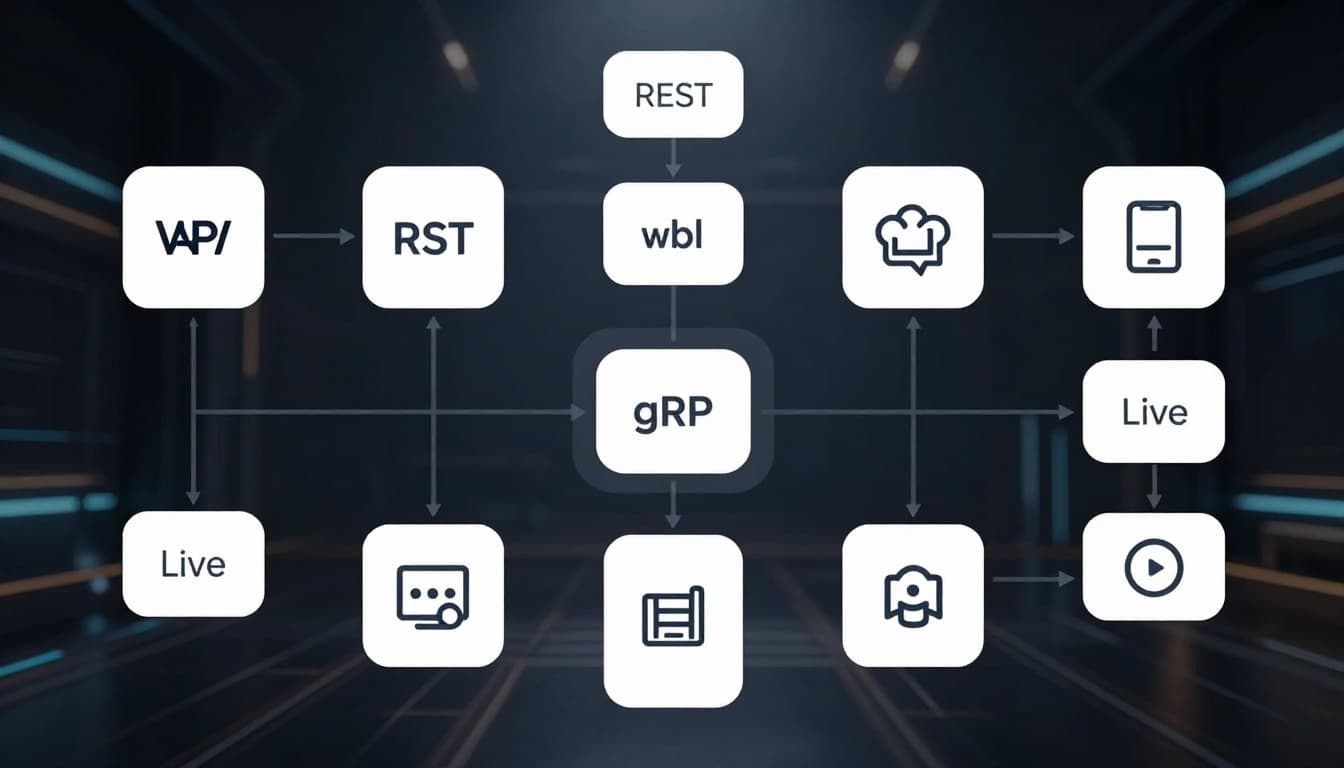
Match project to type: Test public REST first.
APIs open worlds for beginners. You sorted access levels and met REST, GraphQL, WebSockets, plus more.
Start with REST on free public APIs like OpenWeatherMap. Tools like Postman make it simple.
Grab a key today. Build a weather app. Share your project in comments.
Watch gRPC and event-driven rises in 2026. What API will you try first?