
A friend of mine built a basic weather app during a coding bootcamp. He deployed it live and added it to his portfolio. That project landed him his first developer job. Tutorials explain APIs, but they fade fast. Simple API projects for beginners stick because you fetch real data, parse JSON, and see results instantly.
These hands-on builds beat endless reading. They use free APIs like OpenWeatherMap, Quotable, NewsAPI, Dog CEO, and REST Countries. Each stays under 100 lines of JavaScript. Deploy them free on Vercel. In 2026, add bonuses like AI summaries through LiteLLM for extra polish. You’ll gain confidence fast.
Let’s start with setup. Then tackle the five projects one by one.
Gear Up Fast: Free Tools and Setup You Need
You need a few basics to build these. Node.js runs your backend code. VS Code edits files smoothly. Postman tests API calls before coding. Vercel hosts everything free. Supabase adds simple databases later if you want.
First, download Node.js from nodejs.org. Run the installer. Check it works by typing node -v in your terminal. Next, grab VS Code at code.visualstudio.com. Install the extension pack for JavaScript.
Test APIs with Postman. Download it free, no card needed. Create a new request, pick GET, and paste a URL like https://dog.ceo/api/breeds/image/random. Hit send. See JSON pop up.
Get API keys quick. Sign up at OpenWeatherMap registration page for weather data. NewsAPI works the same; head to their signup. Most offer 1,000 free calls daily.
Use fetch for calls. It’s built into Node.js now. Or install axios with npm init -y && npm i axios. Everything stays free.
Push code to GitHub. Make a repo, commit files, and link to Vercel. For deploys, follow this Node.js to Vercel guide. You’ll go live in minutes.

Supabase handles storage free. Start at their dashboard signup. Create a project, grab the URL and key.
You’re set. These tools take five minutes total. Now build your first project.
Project 1: Weather Checker That Forecasts Any City
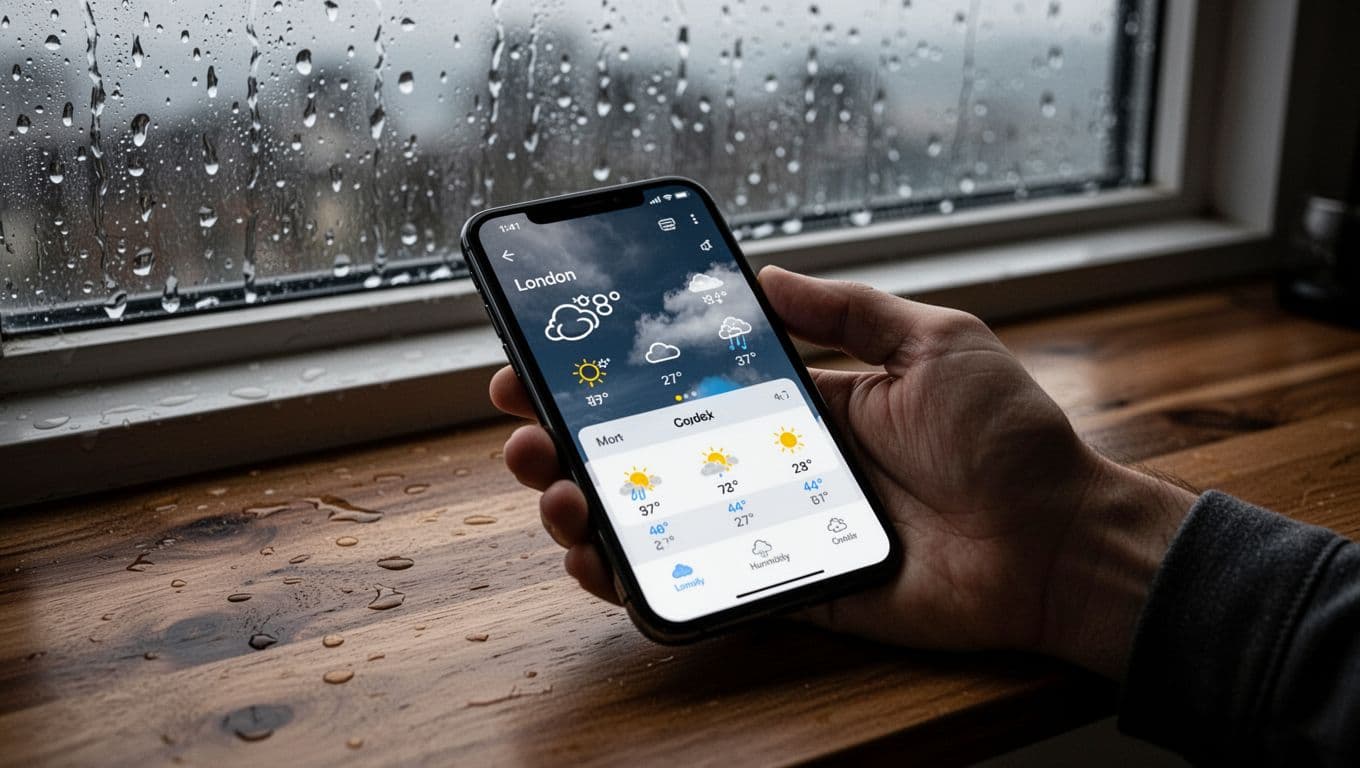
Create an endpoint at /api/weather?city=London. It pulls temperature, humidity, and a three-day forecast. Users type any city and get clean data back.
This teaches API calls with real-time info. Handle errors for bad inputs. Cache results to save calls.
Grab Your API Key and Test the Basics
Head to openweathermap.org. Sign up free. Copy your key from the dashboard.
Test in Postman or terminal. Run this curl:
curl "https://api.openweathermap.org/data/2.5/weather?q=London&appid=YOUR_KEY&units=metric"
See JSON with temp like 15C and humidity 80. Swap London for any city.
In VS Code, make api/weather.js. Start with:
export default async function handler(req, res) {
  // code here
}
For Vercel, this file auto-routes to /api/weather.
Build the Endpoint and Handle Real Data
Add city param check. Use req.query.city. Fetch data, parse JSON.
const city = req.query.city;
if (!city) {
  return res.status(400).json({ error: 'City required' });
}

const url = `https://api.openweathermap.org/data/2.5/forecast?q=${city}&appid=${process.env.OPENWEATHER_KEY}&units=metric`;
const response = await fetch(url);
const data = await response.json();

if (response.ok) {
  const forecast = data.list.slice(0, 8); // Next 3 days, 3x daily
  res.json({
    city: data.city.name,
    current: { temp: data.list[0].main.temp, humidity: data.list[0].main.humidity },
    forecast: forecast.map(item => ({ date: item.dt_txt, temp: item.main.temp }))
  });
} else {
  res.status(404).json({ error: 'City not found' });
}
Add your key to Vercel env vars. Test at your-vercel-url/api/weather?city=London. Clean output ready.
Level Up with Caching and AI Bonus
Cache with a Map or free Redis. Check cache first:
const cache = new Map();
if (cache.has(city)) return res.json(cache.get(city));
Save after fetch. Expires in 10 minutes.
For fun, add LiteLLM AI tip. Fetch weather, then summarize: “Umbrella needed?” Call LiteLLM proxy for OpenAI-like response. Keeps it simple.
Deploy to Vercel. Skills hit: calls, JSON parse, errors.
Project 2: Daily Quote Generator for Motivation
Build /api/quote?author=Einstein. Pull random quotes, filter by tags like motivation. Pair with Dog CEO image. Under 50 lines.
This mixes APIs. Add Supabase to save favorites.
Fetch Quotes and Add Filters
Use ZenQuotes free. No key needed for basics. Endpoint: https://zenquotes.io/api/random.
Code it:
const { author } = req.query;
const url = `https://zenquotes.io/api/random${author ? `?author=${author}` : ''}`;
const res = await fetch(url);
const quotes = await res.json();
Return first quote: { quote: quotes[0].q, author: quotes[0].a }.
Test: motivation tag via param.
Mix in Images for Extra Fun
Call Dog API: https://dog.ceo/api/breeds/image/random. See Dog CEO docs.
Combine:
const dogRes = await fetch('https://dog.ceo/api/breeds/image/random');
const dog = await dogRes.json();
return { ...quote, image: dog.message };
Quote over dog pic. Perfect motivation boost.

Store User Favorites Easily
Supabase free tier. Create quotes table: id, quote, author, user_id.
POST to /api/favorite:
const { supabase } = require('@supabase/supabase-js');
const client = createClient(process.env.SUPABASE_URL, process.env.SUPABASE_KEY);

await client.from('quotes').insert({ quote: data.quote, author: data.author });
Simple storage. Skills: filters, multi-calls, DB basics.
Project 3: News Headline Fetcher by Topic
Make /api/news?category=tech&country=us. Use NewsAPI free tier, 1000 calls/day. Top 5 headlines with links.
Handles big data. Add search.

Sign Up and Pull Top Stories
Get key at newsapi.org. Basic fetch:
const url = `https://newsapi.org/v2/top-headlines?country=us&apiKey=${process.env.NEWS_KEY}`;
const data = await (await fetch(url)).json();
const headlines = data.articles.slice(0,5).map(a => ({ title: a.title, url: a.url }));
Clean list back.
Add Categories and Search
Params: category=tech, q=AI. Limit 5.
const params = new URLSearchParams({ category: req.query.category, q: req.query.q, country: 'us' });
params.append('apiKey', process.env.NEWS_KEY);
Test sports: ?category=sports. Bonus: LiteLLM summarizes top story.
Skills: params, limits, search.
Project 4: Random Image Gallery of Pets and More
Endpoint /api/images?type=dog&count=5. Dog/Cat APIs. Add jokes.
Fun images teach multiples.
Pick Your API and Fetch Images
Dog CEO shines. Random docs here.
Loop fetches:
const images = [];
for(let i=0; i<count; i++) {
  const img = await (await fetch('https://dog.ceo/api/breeds/image/random')).json();
  images.push(img.message);
}
Filter Breeds and Add Captions
?breed=husky: https://dog.ceo/api/breed/husky/images/random.
Jokes API: https://official-joke-api.appspot.com/random_joke. Pair as caption.

Gallery ready.
Project 5: Country Explorer with Facts and Weather
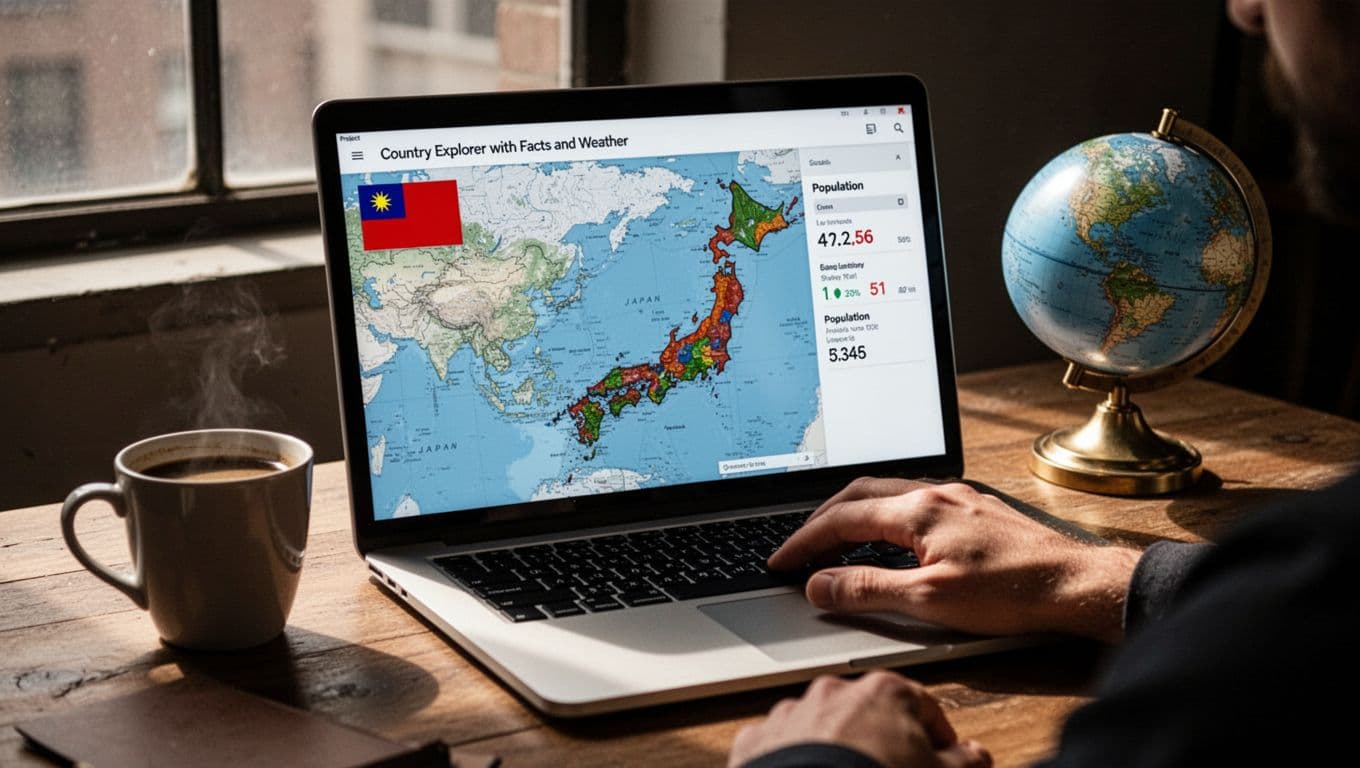
/api/country?name=Japan. REST Countries plus weather, currency. Chain calls.
Nested data, maps.
Gather Country Data First
REST Countries free: https://restcountries.com/v3.1/name/Japan. No key.
const res = await fetch(`https://restcountries.com/v3.1/name/${name}`);
const countries = await res.json();
const country = countries[0];
Parse capital, population, flag.
Chain Weather and Currency Calls
Use capital for OpenWeather. Currency from country data.
const weather = await fetchWeather(country.capital);
return { ...country, weather: weather.current };
Display with a Simple Map
Add Leaflet.js client-side. Free CDN.
Test Brazil. Open-source on GitHub.
These five projects build core skills: calls, data handling, deploys. In 2026, trends like AI gateways make APIs smarter. Pick one this weekend. Deploy to Vercel, share your GitHub.
Which project grabs you first? Drop a comment below. Your portfolio grows now.