
Imagine you’re a developer pushing code to GitHub late one night. You forget to remove your API key, and suddenly hackers spot it. They rack up thousands in fake OpenAI calls before you notice the bill.
An API key is that unique string of letters and numbers you use to let your app talk to services like cloud storage or AI tools. It acts like a digital passcode for APIs.
In 2026, with AI and IoT exploding, safety matters more than ever. SpyCloud found 18.1 million exposed keys last year alone, fueling breaches like OpenAI’s data theft. One slip can mean data loss, massive costs, or worse.
We’ll cover the basics, how keys work, common uses, real risks, and steps to stay safe, plus tools and alternatives. Ready to lock down your API keys? Let’s dive in.
How API Keys Actually Work Behind the Scenes
You grab your library card to check out books. It tells the librarian who you are and tracks what you borrow. API keys do something similar for apps. Your code sends this unique string with every request to an API server. The server then verifies it before sending back data.
Most apps tuck the key into HTTP headers, like Authorization: Bearer your_key_here. Sometimes they add it to URLs or cookies. In all cases, the server grabs the key right away. It checks a database for a match. Does it belong to a valid project? Has it hit rate limits? Any IP restrictions? If everything passes, you get your response. Otherwise, it blocks access.
Keys also track usage. Providers count requests for billing or spot abuse. They differ from passwords because keys identify apps or projects, not users. You don’t log in with them. They’re simpler but need careful handling.
Here’s a quick visual of that process in action.
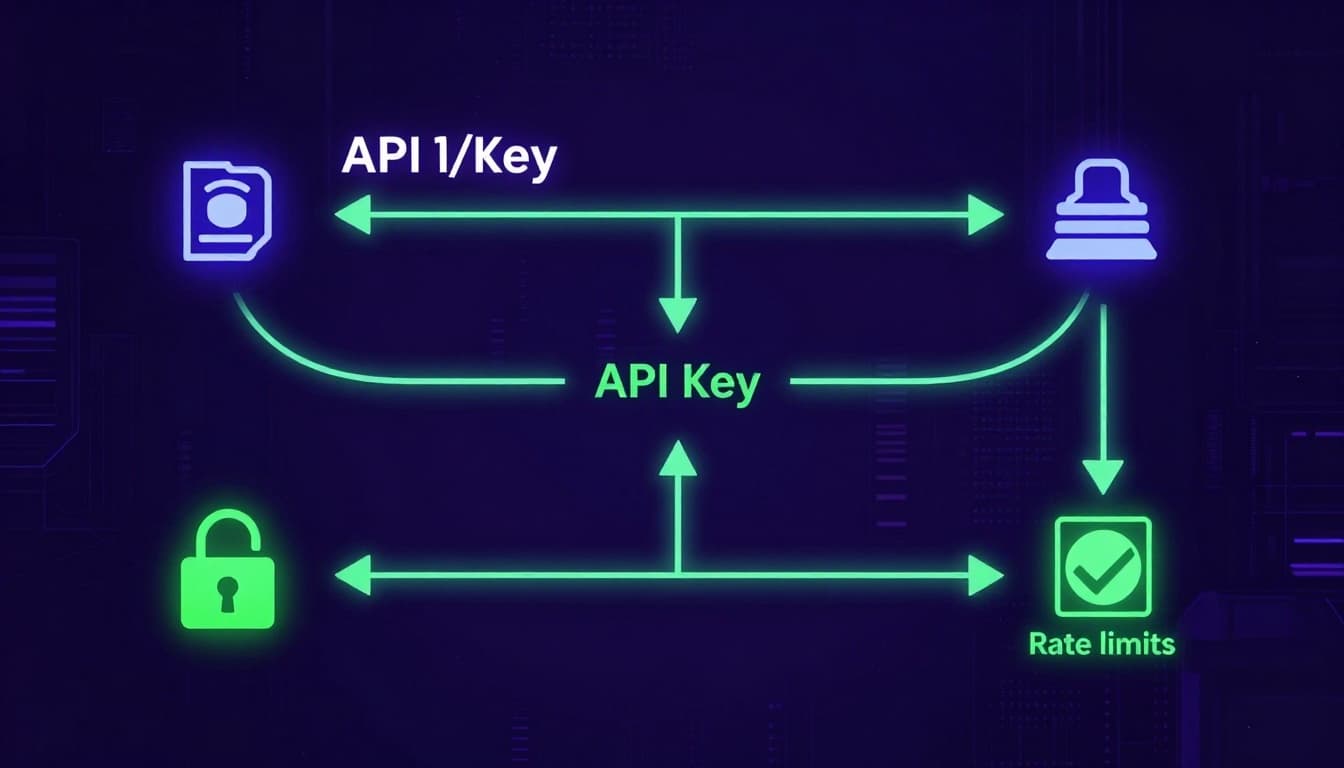
This setup keeps things fast for server-to-server talks. However, keys last forever unless you revoke them. So rotate them often.
Spotting the Key Differences from Tokens and OAuth
API keys shine for basic access, but they aren’t one-size-fits-all. Tokens and OAuth handle user-specific needs better. Keys stay static and tie to projects. Tokens change often and link to sessions. OAuth adds user approval layers.
Consider this comparison to see why:
| Type | Lifespan & Nature | Identifies | Security Level | Best For |
|---|---|---|---|---|
| API Key | Static, long-term | App/project | Basic | Server access, public data |
| Token | Dynamic, expires | User/session | Medium | Short sessions after login |
| OAuth | Scoped, refreshes | User with consent | High | Third-party user access |
Keys suit backend scripts pulling weather data. No expiration means less hassle. Tokens work inside apps where users log in first. They time out, so stolen ones lose power fast. OAuth lets users grant apps permission without sharing credentials. Think granular controls like “read emails only.”
For example, Stripe uses API keys for payments. You add a secret key to charge cards securely from your server. Google prefers OAuth for logins. Users click “Sign in with Google,” and your app gets a token without their password.
In short, pick keys for simple project IDs. Use tokens or OAuth when users enter the picture. Check this breakdown of API key vs. bearer token vs. OAuth for more use cases.
Everyday Ways API Keys Power Apps in 2026
API keys run quietly behind the apps you open each day. They fetch fresh data or trigger actions across services. In 2026, AI tools and smart devices rely on them heavily. Gartner notes over 30% of new API demand comes from AI alone. This boom brings easy integration and usage tracking. However, it also raises risks. More keys in more places mean bigger chances for leaks or abuse. Providers set limits, like 100 calls per day, to curb costs from overuse.
From Weather Apps to Smart Devices: Real Examples
Your weather app grabs forecasts with an API key to OpenWeatherMap or similar services. It sends a request for your city’s data. The key ensures read-only access to public info. Limits keep free tiers affordable; exceed 100 calls daily, and you pay up.
Rideshare apps like Uber tap Google Maps APIs. They plot routes and track drivers in real time. Your key authenticates map pulls on the client side. Server-side, it handles payments via Stripe, inserting ride data into databases securely.
AI chatbots shine here too. OpenAI’s API powers responses in apps. You type a query; the key sends it server-side for processing. Results flow back fast. In 2026, these calls spike as AI agents book trips or manage tasks autonomously.
Smart home devices use keys for IoT control. A thermostat queries cloud servers to adjust temps. Zapier workflows connect them all; an email arrival triggers file saves to Google Drive via API inserts.
Here’s how these play out daily:

Keys offer scoped access: read public data freely, but writes stay server-side. This tracks usage and blocks excess. Still, exposed keys invite trouble. One leak racks up bills fast. Check Google’s guide on Weather API keys for setup tips.
Why API Keys Get Hacked and How to Avoid Trouble
Hackers love API keys because they offer easy entry to your services. You push code without checking, and suddenly your key sits public on GitHub. Client-side scripts expose them too. Attackers scan repos fast and grab what they find. One slip leads to stolen data or surprise bills. However, you can spot patterns and fix issues before damage hits.
This scene shows a typical leak in action.

How Keys Most Often Get Exposed
Developers commit keys to public repos by mistake. You forget to add .env to .gitignore, so your AWS or OpenAI key goes live. Bots hunt these spots daily. Client code in browsers sends keys with every call; anyone inspects network traffic and steals them. Config files or logs left open add more risks. In short, keys mix with code too easily.
Patterns show millions exposed yearly from these slips. For details on GitHub leaks, check this report on committed secrets.
What Hackers Do Next and the Costs
They test your key right away. Free tiers turn into maxed-out usage. Bills climb from fake AI queries or data pulls. Worse, they access your cloud buckets or customer info. You pay while they sell or misuse it all. Rotation helps, but most forget until too late.
Early Signs and Fast Fixes
Watch for odd spikes in usage logs. Requests from strange IPs signal trouble. Never hardcode keys; use env vars or vaults instead. Set alerts on your provider dashboard. Rotate keys monthly, or right after any push. Monitor repos with secret scanners. These steps block most threats. Next, we’ll cover full safety practices to keep you ahead.
Step-by-Step Guide to Using API Keys Safely
You can protect your API keys with a few solid steps. These habits build strong defenses right away. Providers like AWS and OpenAI push them hard in 2026 because leaks cost millions. Start simple: generate keys safely, store them right, restrict access, rotate often, and watch activity close. Follow this path, and hackers face real roadblocks.
Here are the top practices. Each one comes with an example to make it stick.
- Skip hardcoding entirely. Load keys from environment variables or vaults instead. For instance, use AWS Secrets Manager in your Node.js app:
const key = await secretsManager.getSecretValue({SecretId: 'my-api-key'}).promise();. This keeps secrets out of code repos. - Add restrictions everywhere. Limit keys to specific IPs, apps, or features. Set rate limits and expiration dates too. Picture your OpenWeather key: whitelist your server’s IP only, scope to “read:forecast,” and cap at 1,000 calls daily. Damage drops if someone grabs it.
- Rotate keys on schedule. Change them every 90 days or after any doubt. Revoke old ones fast. Automate in CI/CD; your Stripe key swaps without downtime. Tools like Zuplo handle this smoothly; check their zero-downtime rotation strategies for details.
- Force HTTPS and server-side use. Never send keys over plain HTTP. Keep sensitive ones off client-side code. Your backend pulls data; the frontend stays blind. This hides keys in transit and blocks easy grabs from browsers.
- Monitor use from day one. Track requests, IPs, and patterns. Set alerts for odd spikes. More on this next.
This flow sums it up clean.

Essential Habits Like Rotation and Restriction
Rotation tops the list because static keys invite abuse. Swap yours monthly, or every 90 days at latest. Old keys from 2025 breaches still bite firms today. Pick a calendar reminder, or automate it. Your app switches to the new key during deploy; users notice nothing.
IP whitelisting adds another lock. List only your trusted server IPs. Attackers from random spots get blocked cold. OpenAI dashboards let you set this in seconds. Combine with scopes: grant “read:users” but block deletes. Least privilege rules here. No full admin power.
Rate limits cap the chaos too. Set 500 calls per hour per key. Exceed it, and requests fail. Expiration dates kill keys after six months automatically. These steps shrink blast radius fast. Tools like HashiCorp Vault enforce them; we’ll cover picks soon.
Monitoring and Quick Response to Issues
Keep eyes on your keys daily. Review logs for strange IPs or call spikes. Most providers offer dashboards. OpenAI shows usage graphs; AWS CloudWatch tracks every request.
Set alerts first. Ping you on 200% traffic jumps or failed auths. Tools like OneUptime log rotation events too; see their OpenTelemetry guide for key monitoring.
Compromised? Act fast. Revoke the key now. Rotate to a fresh one across all apps. Scan logs for damage: what endpoints hit? From where? Check bills for surprise charges. Patch root causes, like that GitHub slip. Early moves like these saved startups from 2026 breaches. Stay vigilant, and you’ll spot trouble first.
Top Tools to Lock Down Your API Keys Effortlessly
You need reliable ways to store API keys without leaks. Simple env vars work for starters, but cloud vaults and gateways take security higher. These tools fetch keys at runtime on your server, so they stay hidden from code repos. In addition, they handle rotation and access controls automatically. Let’s break down the best picks with quick setups and trade-offs.

Environment Variables with .env Files
Start with .env files for local dev. They keep keys out of your code. Add one to .gitignore, then load in Node.js like this: require('dotenv').config(); const key = process.env.API_KEY;. Pros include zero cost and easy setup. However, cons hit in production; shared servers risk exposure. Use them server-side only, and pair with vaults for scale.
AWS Secrets Manager for Cloud Apps
AWS Secrets Manager shines for AWS users. It rotates keys automatically and encrypts with KMS. Fetch in Python: import boto3; client = boto3.client('secretsmanager'); response = client.get_secret_value(SecretId='my-api-key'); key = response['SecretString']. Pros: no downtime rotation, IAM controls. Cons: costs $0.40 per secret monthly plus calls. Check the AWS Secrets Manager management guide for IAM setups. Always pull server-side to block client access.
Google Secret Manager and HashiCorp Vault
Google Secret Manager suits GCP projects. It versions secrets and logs access. Use client libraries: from google.cloud import secretmanager; client = secretmanager.SecretManagerServiceClient(); response = client.access_secret_version(name='projects/my-project/secrets/my-key/versions/latest'); key = response.payload.data.decode('UTF-8'). Pros: auto-replication, cheap at first 6 versions free. Cons: GCP-only ties you in.
HashiCorp Vault adds dynamic secrets that expire. Enable via policies, then vault kv get -field=key secret/api/my-key. Pros: leasing cuts long-term risks; plugins for any API. Cons: setup takes time, needs a server. Both demand server fetches. See Vault’s key management API docs for details.
Postman Vault and Kong for Teams and Gateways
Postman Vault stores keys locally for API testing. Add via UI, reference as {{my-key}} in requests. Pros: team sharing, no cloud fees. Cons: local only, export for backups. Great for dev, but server apps need more.
Kong API gateway manages keys centrally. Store in plugins like key-auth, rotate via admin API. Pros: rate limits built-in, scales with traffic. Cons: enterprise features cost extra. Pull keys server-side in your gateway. Review Postman Vault management to start.
Pick based on your stack. Env vars kick things off fast. Vaults lock them down for prod. Rotate often, monitor access, and test fetches. Your keys stay safe this way.
Conclusion
API keys serve as simple passes for your apps to access services like AI tools or cloud storage. You learned how they verify requests and track usage behind the scenes. Most importantly, tools like AWS Secrets Manager and habits such as rotation keep them secure.
Follow those steps today. Audit your code for exposed API keys, set restrictions, and monitor logs right now. This cuts risks from common leaks, like that GitHub slip we started with.
For the future, shift to tokens or OAuth when users join in. Share your key safety wins in the comments below. Subscribe for more tips to protect your projects, and build with confidence.