
You’ve seen apps pull in weather updates or user profiles without a hitch. That’s APIs at work. They let software talk and share data, much like picking items from a restaurant menu.
As a beginner in coding or web development, you want to build apps or automate tasks. Yet APIs feel intimidating at first. This beginner API tutorial changes that. You’ll send your first API request in minutes with free tools. No coding required yet. Picture JSON data popping up on your screen, real and ready. You’ll feel the rush.
This post walks you through how to make your first API request step by step. First, pick a free API. Next, choose a simple tool. Then, follow exact steps for a GET request. You’ll spot common errors and fix them fast. Finally, try POST and code snippets. By the end, you’ll fetch data like a pro.
Find the Perfect Free API to Practice Without Any Hassles
Start with APIs that need no sign-up or keys. They respond instantly with JSON data. This keeps things simple for beginners.
Top picks for 2026 include JSONPlaceholder, ReqRes, REST Countries, Random User, and Bored API. These handle GET and POST methods. No limits hit you early. For a big list of free public APIs with no auth needed, check trusted directories.
JSONPlaceholder shines for posts and users. ReqRes simulates user lists. REST Countries shares global facts. Random User generates profiles. Bored API suggests activities. All output clean JSON.
| API | Best For | Sample Endpoint | Needs Key? |
|---|---|---|---|
| JSONPlaceholder | Fake posts/users | https://jsonplaceholder.typicode.com/posts/1 | No |
| ReqRes | User simulation | https://reqres.in/api/users | No |
| REST Countries | Country data | https://restcountries.com/v3.1/all | No |
| Random User | Profiles | https://randomuser.me/api/ | No |
| Bored API | Activities | https://www.boredapi.com/api/activity | No |
This table shows quick starts. Pick one that sparks interest. Avoid APIs with keys. They add steps you don’t need now.
Why JSONPlaceholder Wins for Your First Try
JSONPlaceholder offers fake but realistic data. Endpoints cover posts, users, and comments. Try GET https://jsonplaceholder.typicode.com/posts/1. You get back:
{
  "userId": 1,
  "id": 1,
  "title": "sunt aut facere...",
  "body": "quia et suscipit..."
}
It supports POST too. Send to /posts with {“title”:”foo”,”body”:”bar”,”userId”:1}. Expect a 201 response. No rate limits. Practice all methods freely. Beginners love its reliability.
Explore ReqRes and Other Quick Fun APIs
ReqRes mimics real users. Hit https://reqres.in/api/users. Sample: {“data”:[{“id”:1,”email”:”george.bluth@reqres.in“,”first_name”:”George”}]}.
REST Countries delivers facts. Use https://restcountries.com/v3.1/name/united%20states. Get population and capital details.
Random User creates people. https://randomuser.me/api/ returns names, photos, emails.
Bored API fights boredom. https://www.boredapi.com/api/activity suggests “Learn Express.js framework”.
Choose based on your vibe. Countries for geography fans. Users for app testers. All build confidence fast.
Grab the Best Beginner-Friendly Tool for API Requests
Tools make requests easy. Postman offers a GUI. Curl works in your terminal. Insomnia stays lightweight.
Postman suits visuals. Download from postman.com. Curl comes built-in on Mac, Windows, Linux. No install needed. For a Postman vs curl comparison for beginners, see hands-on tests.
Start with Postman. It saves requests and pretty-prints JSON.
| Tool | Why Great for Beginners | Quick Start |
|---|---|---|
| Postman | Visual tabs, auto-format | Download, new request |
| curl | Instant, no app needed | Terminal: curl [URL] |
| Insomnia | Light like Postman | Download from insomnia.rest |
Curl teaches command basics. Postman shows everything clearly.
Postman: See Your Results in a Friendly Interface
Postman feels welcoming. Download the free version. Create a workspace. Click New, then HTTP request.
Paste a URL. Pick GET from the dropdown. Tabs show params, headers, body. Hit Send. Response appears below with status, time, and formatted JSON.
Save requests in collections. Share them later. Perfect for repeated tests.
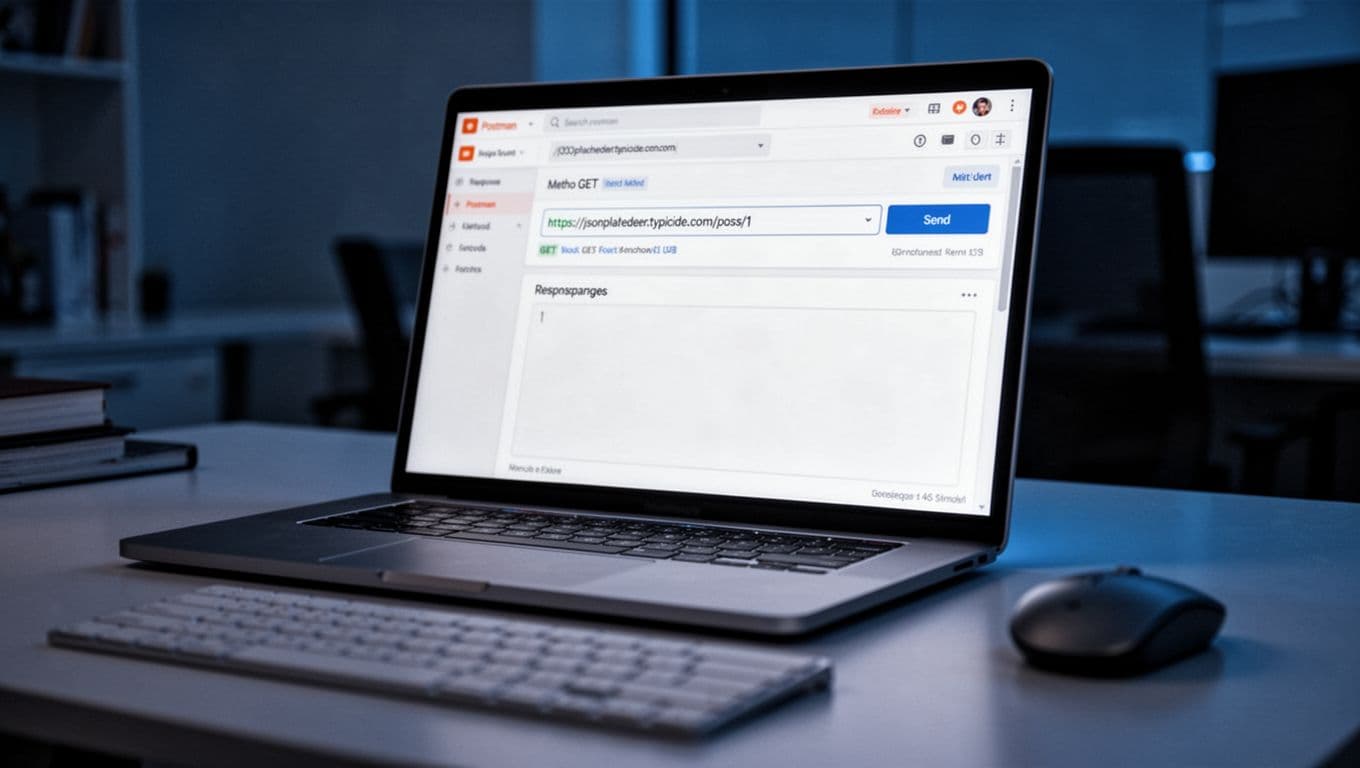
This setup lets you see inputs and outputs side by side.
curl: Make Calls Right from Your Terminal
Curl runs everywhere. Open Terminal on Mac/Linux. Command Prompt or PowerShell on Windows.
Type: curl https://jsonplaceholder.typicode.com/posts/1
Press Enter. JSON flows in. Fast and scriptable.
Pros include always-ready access. Cons mean plain text views. Still, it builds core skills.
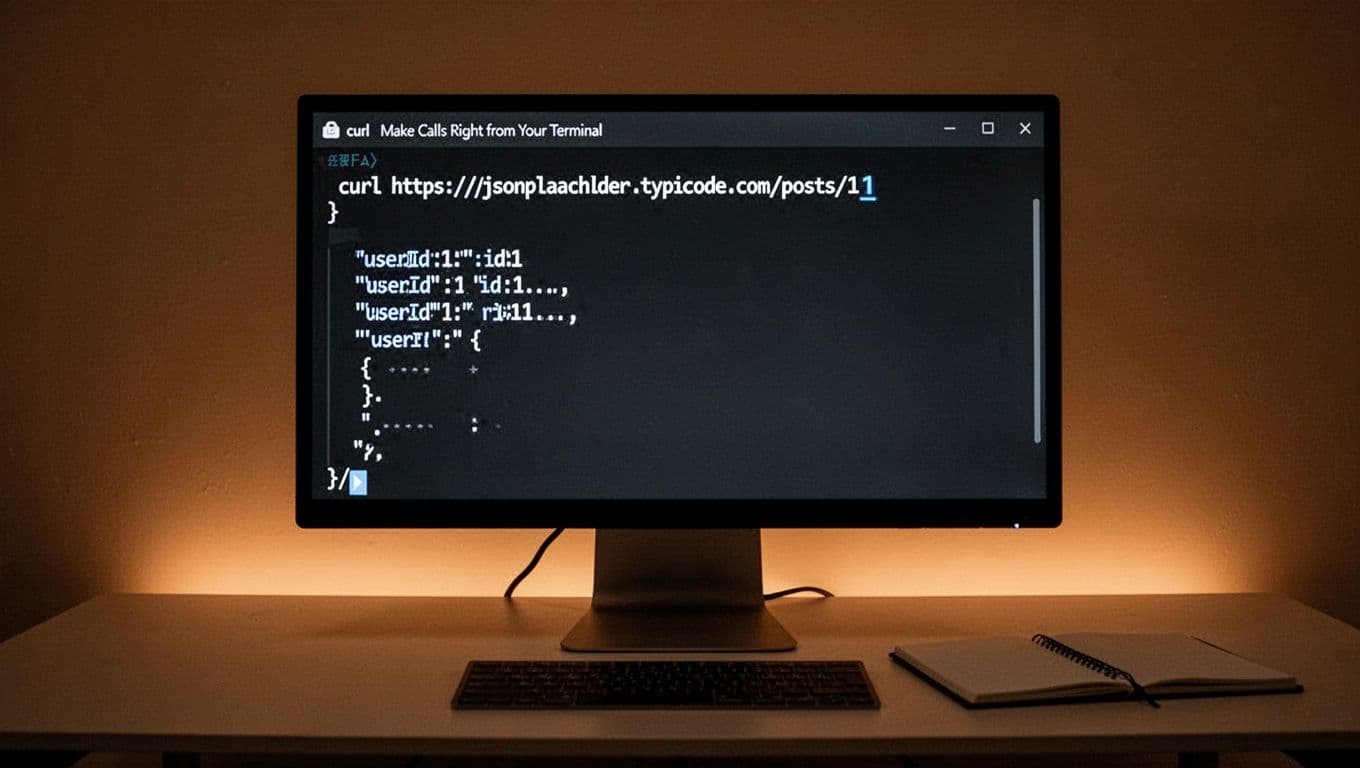
Expect clean output every time.
Follow These Exact Steps to Send Your First API Request
Now send that request. Use JSONPlaceholder’s GET /posts/1. Works in Postman or curl.
Copy-paste these. Success brings 200 OK and JSON.
- Open your tool.
- Set GET method.
- Enter the URL.
- Send the request.
- Check the response.
Let’s break it down.
Step 1: Fire Up Your Tool and Start a New Request
Launch Postman. Click New > HTTP. Or open Terminal for curl.
Both ready in seconds. No accounts needed for basics.
Step 2: Pick GET and Plug in the Endpoint
GET fetches data. In Postman, select from dropdown. Paste https://jsonplaceholder.typicode.com/posts/1 in URL.
For curl, add it after curl. Headers stay optional now.
Keep it basic. Hit go.
Step 3: Send It and Watch the Response Arrive
Postman: Click Send. Curl: Press Enter.
Watch status: 200 OK means success. Time shows under a second usually.
JSON body appears. Pretty-printed in Postman.
Step 4: Break Down What You Just Got Back
Sample response:
{
  "userId": 1,
  "id": 1,
  "title": "sunt aut facere repellat provident occaecati excepturi optio reprehenderit",
  "body": "quia et suscipitnsuscipit recusandae consequuntur expedita et cumnreprehenderit molestiae ut ut quas totamnnostrum rerum est autem sunt rem eveniet architecto"
}
Keys like userId, title, body hold values. Tools format it nicely. Copy or explore.
You did it. Real data fetched.
Spot and Fix the Top Beginner Mistakes Fast
Errors happen. 404 means wrong URL. Double-check spelling.
405 signals bad method. Switch to GET.
No response? Check internet. Refresh the tool.
Status codes guide you:
- 200: Good.
- 404: Not found.
- 500: Server issue, wait it out.
Typos kill requests. Paste URLs exactly. For POST fails, add JSON body.
Persist. Most fixes take seconds. Practice spots issues quicker.
Take It Further: POST Requests and Coding Your First Call
Try POST next. In Postman, switch method to POST. Use /posts. Add body:
{
  "title": "My Post",
  "body": "Hello world",
  "userId": 1
}
Send. Get 201 Created with echoed data.
Code it in browser console: fetch('https://jsonplaceholder.typicode.com/posts/1').then(r=>r.json()).then(console.log)
Next, learn JavaScript fetch or Python requests. For 90+ free APIs to test, expand practice.
Build a weather fetcher. APIs unlock projects.
You’ve fetched your first data. That JSON proves it works.
Keep momentum. Send a POST now. Test ReqRes users. Start a small app pulling countries.
What hooked you first? Share in comments. Try these steps today. Subscribe for more tutorials. APIs power endless ideas. Go build something fun.