
Imagine you’re at a busy restaurant. The menu lists specific dishes. You point to “cheeseburger” and tell the waiter. That’s your order. It goes straight to the kitchen for that exact item.
An API endpoint is a specific web address where apps talk to servers for data or actions. Apps you use every day rely on these to fetch weather updates or post tweets.
Beginners need this knowledge because it shows how your phone apps pull fresh info without magic. We’ll cover everyday analogies, core parts, request flow, real examples, HTTP methods, and 2026 tips. Ready to see endpoints in action?
Picture API Endpoints Like Everyday Doors You Use
Think of API endpoints as doors to specific rooms in a huge building. Each one leads to exactly what you need. No wandering halls.
A restaurant menu works first. You pick “pasta primavera” from the list. The kitchen gets that order alone. It doesn’t cook everything. Endpoints do the same. Your weather app hits api.example.com/forecast for rain chances. Nothing else.

Next, consider a postal address. You write “123 Main St, Apt 4B, New York.” Mail goes right there. No mix-ups. An endpoint uses a precise URL like api.weather.com/forecast?city=NY. The server delivers forecast data only.
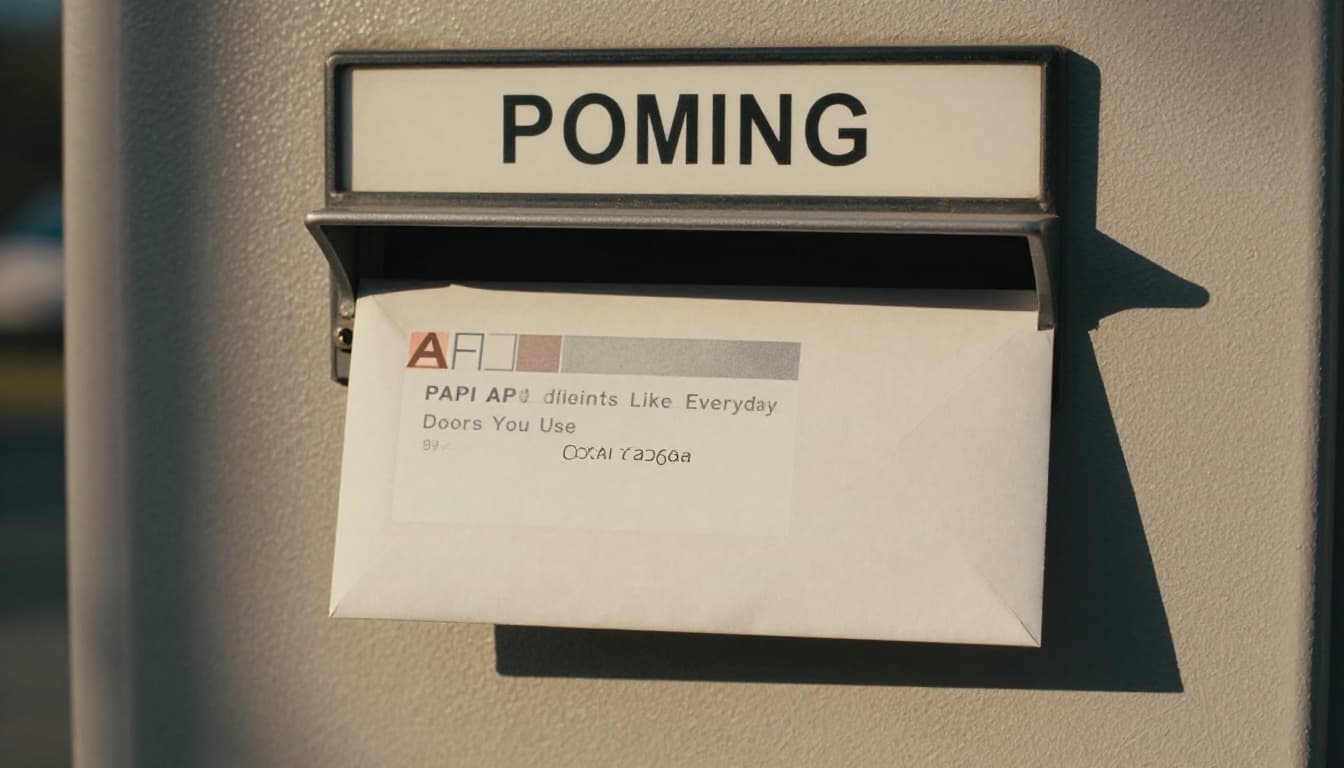
A phone number fits too. You dial your friend’s line for a quick chat. It connects directly. Apps dial endpoints for targeted talks. This setup keeps communication simple and fast. Servers handle millions without chaos.
For a beginner-friendly breakdown, check Rocket’s guide on API endpoints. These analogies show why endpoints make app magic reliable.
Inside an API Endpoint: The Basic Building Blocks
An endpoint is a unique URL on a server. It handles specific requests. Apps send questions there. Servers reply with data.
Picture mailing a letter. You address it exactly. The post office routes it right. Endpoints work similarly. They sit within APIs. APIs let apps share data safely across the web.
Most responses come in JSON format. It’s like a neat list of facts. Status codes tag along too. A 200 means success. 404 signals not found.
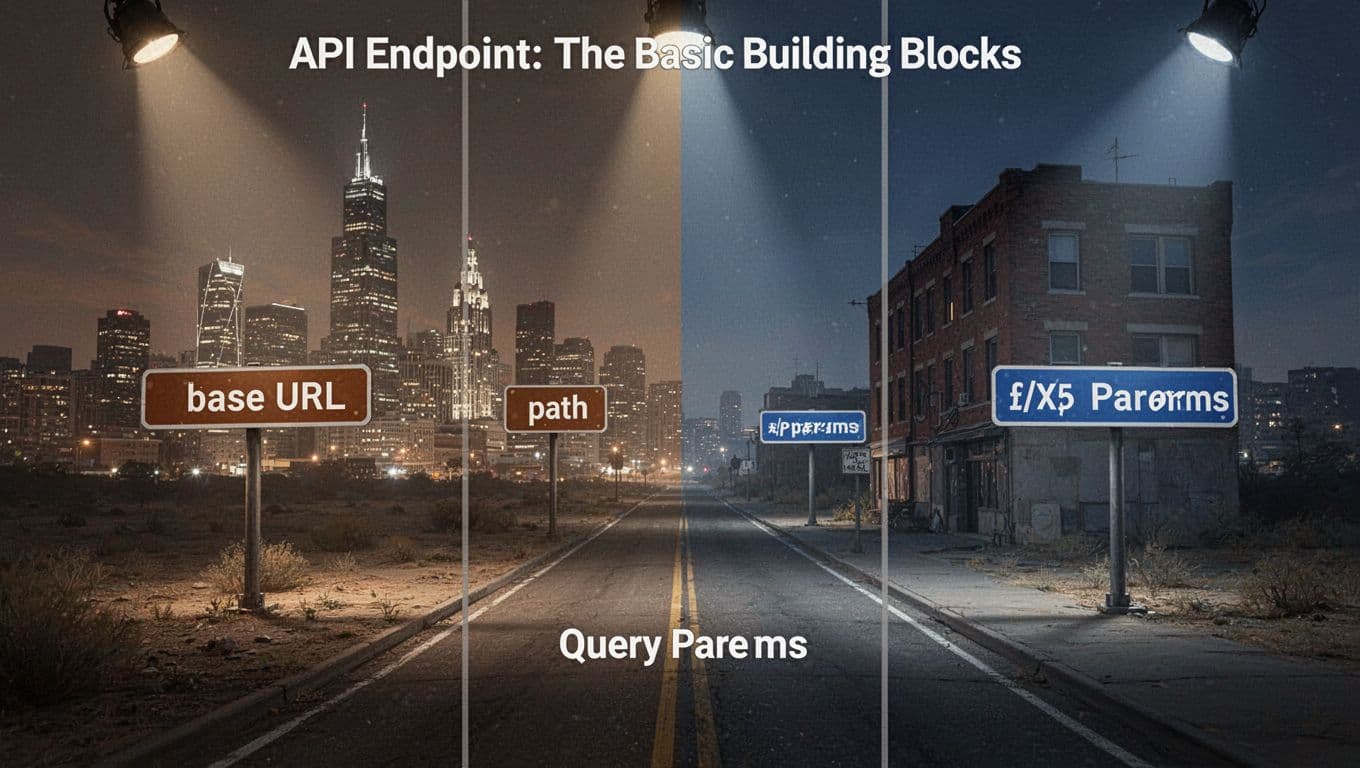
URLs That Point Straight to the Action
Endpoints build from URL parts. Start with a base like api.example.com. Add a path such as /users/123. That targets user ID 123.
Query parameters tack on details. Try ?city=London&units=metric. It customizes the data. Paths matter because /users lists all. /users/123 grabs one.
This mirrors a house address plus room number. You get exactly what’s needed. No extras.
Postman explains this well in their API endpoint overview.
The Response: What Comes Back Every Time
Servers always reply. Success brings JSON like {"temp": 72, "condition": "sunny"}. A 200 code confirms it.
Errors use codes too. 404 says resource missing. 500 points to server trouble. Think of a “sorry, out of stock” note with your mail.
These codes help apps react fast. Users see smooth updates instead of crashes.
Watch It Work: The Step-by-Step Request Flow
Apps chat with servers through endpoints. It’s a quick back-and-forth. No endless waits.
Your app starts it. The server listens. Data flows in seconds.
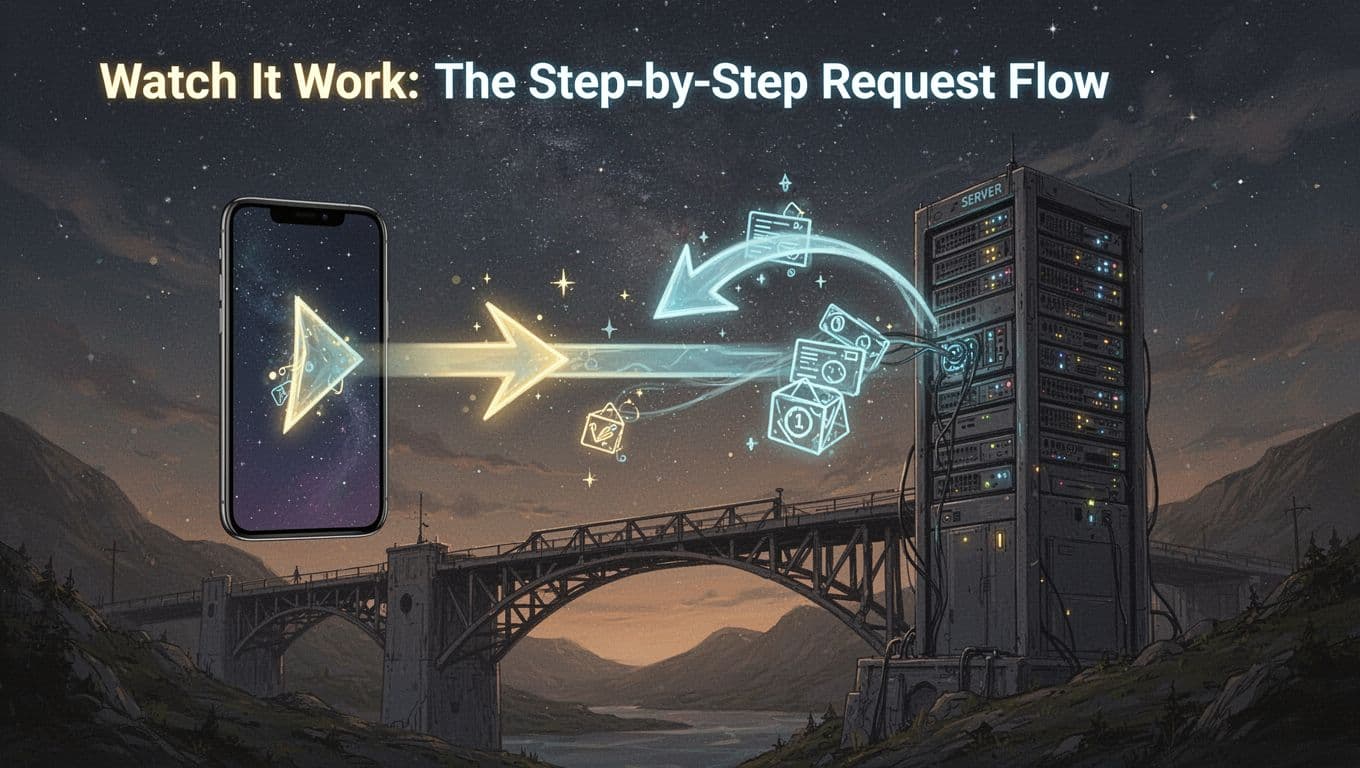
Like mailing a letter, you send details. They process and reply. Authentication checks who you are first. Often via API keys.
You Send the Request from Your App
The client app crafts a request. It picks GET to read data. Or POST to send new info.
Headers add context. Body holds details for creates or updates. The full URL points to the endpoint.
Apps bundle it all. Then fire it off over the internet.
Server Does Its Magic and Replies
Servers get the request. They verify keys or tokens. Next, they query databases.
Data gets formatted into JSON. A status code attaches. The response zips back.
If valid, you see fresh info. Errors prompt retries or user alerts.
API Endpoints Power Apps You Love Daily
Endpoints run your favorites. Weather apps ping them for updates. Social feeds refresh via them too.
Behind scenes, payments process the same way. No app works without these doors.

Your phone’s weather pulls from spots like Xweather’s forecast endpoints. A GET request grabs rain odds for your spot.
Weather Checks and Social Feeds
Weather APIs shine here. Hit /forecast?city=NY. Get temps and alerts back.
Twitter uses them for tweets. A GET fetches your feed. POST adds a new one. See X’s Twitter API guide.
These keep scrolls fresh and endless.
Payments and More Behind-the-Scenes Magic
Stripe handles charges via endpoints. POST to /charges with card details. Money moves safely.
E-commerce sites use them for carts and orders. You shop smooth because endpoints target actions precisely.
Cloudflare covers this in their API endpoint basics.
HTTP Methods: The Instructions Endpoints Follow
Endpoints pair with methods. These tell servers what to do. Four main ones cover most needs.
GET reads data. POST creates new. PUT or PATCH updates. DELETE removes.

Books help picture it. GET scans a page. POST adds a chapter. PUT rewrites one fully. DELETE shreds the draft.
REST style loves clear URLs with these. For details, ADevGuide breaks down HTTP methods simply.
All hit endpoints. Methods just specify the action.
Build Better Connections: 2026 Endpoint Best Practices
Secure them first. Use HTTPS everywhere. Add API keys or OAuth for auth.
Rate limiting stops overloads. It caps requests per user.

In March 2026, AI scaling matters. Make APIs stateless for agents. Flat JSON helps. Tools auto-test changes.
REST stays king, but GraphQL flexes queries. Follow consistent naming and docs. ZeonEdge shares 2026 API trends.
Version slowly. Validate inputs. These keep things safe and fast.
Endpoints make apps talk precisely, like menu orders or mailed letters. You now know the flow, examples, methods, and tips.
Try a free weather API today. Test a GET request. Share this if it clicked. What app endpoint surprises you most? Drop a comment below. Subscribe for more tech breakdowns.