
Tired of juggling a dozen passwords just to sign up for a new site? You’ve clicked those “Sign in with Google” or “Facebook” buttons countless times, and they work like magic in seconds. But how do they pull it off without handing over your credentials?
Social login APIs make it possible. They let your favorite sites borrow login power from giants like Google and Facebook through OAuth 2.0, sharing only a secure token instead of passwords. No more forms or forgotten logins.
Ready to unpack the OAuth flow, Google and Facebook specifics, and even 2026 updates like Meta’s Graph API tweaks? These tools keep logins fast, safe, and simple, so let’s dive in.
What Social Login APIs Do Behind the Scenes
Social login APIs work quietly in the background. They use OAuth 2.0 as the main standard. This setup lets sites like Spotify tap into Google or Facebook without grabbing your passwords.
Developers choose these APIs for good reasons. They skip storing user passwords, which cuts security risks. Setup stays quick, often in minutes. Plus, users sign up faster, so sites see higher conversion rates. For example, when you log into Spotify with Facebook, it grabs basic info like your name and email. No new account needed.
Users win with pure convenience. One click, and you’re in. Sites gain trust from big brands like Google. Everyone stays safer because tokens replace full logins.
Think of it like borrowing a friend’s house key. You get in without owning the place. OAuth handles that borrow smartly.

The Key Players: Client ID, Secrets, and Redirects
Your app needs three main pieces to talk to these APIs. They act like identifiers and safeguards. Let’s break them down simply.
Client ID serves as your app’s public name tag. Anyone can see it, but it proves who you are to Google or Facebook. No one hides it.
Client secret works as the hidden password. Keep it private, just like a key in a safe. Servers use it to prove requests come from you.
Redirect URI points to the front door back home. After login, the API sends users there with a token. Exact matches prevent fakes.
You grab these from developer consoles. For Google, head to the Google API Console. Create credentials, pick OAuth client ID, and add your redirect. Facebook uses the Meta for Developers dashboard. Set up an app, then list valid URIs under login settings.
These tools keep everything secure. Mismatches block bad actors. As a result, logins stay smooth and safe for millions daily.
Step-by-Step: How the OAuth 2.0 Flow Handles Your Login
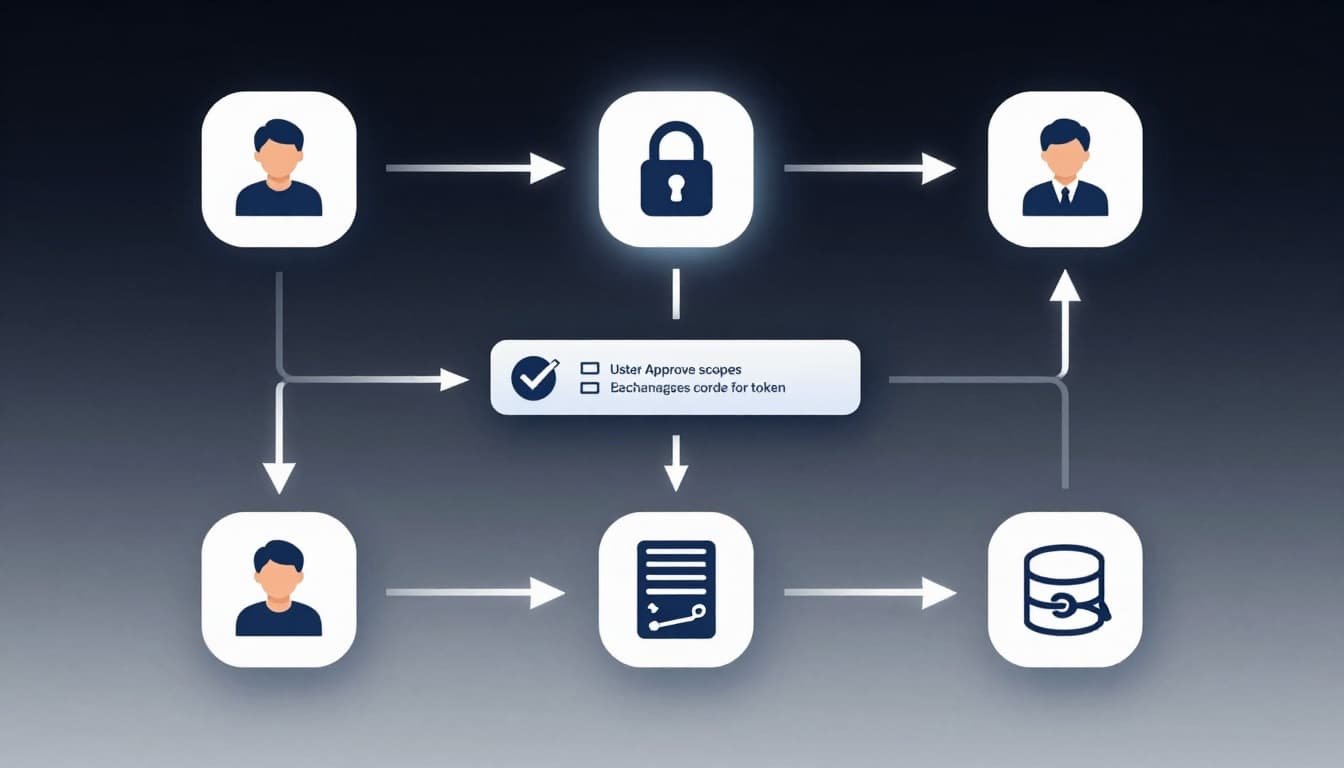
Picture this: you spot the “Sign in with Google” button and click it. Your browser whisks you away on a secure journey. Behind the scenes, OAuth 2.0 Authorization Code Flow takes over. This method keeps your password safe from the site. It uses a short-lived code as a middleman. Then your app’s server swaps that code for a token. No credentials exposed. As a result, logins stay fast and protected.
Follow along as we trace the five key steps. Think of it like passing a baton in a relay race. Each handoff builds trust without dropping the ball.
-
You click the button. Your app sends your browser to the provider’s login page. It tags along the client ID, redirect URI, and scopes like
emailorprofile. Google or Facebook shows their familiar screen. -
You enter credentials and approve. Type your password. Then review permissions. Click allow. The provider checks everything matches.
-
They issue an authorization code. After approval, the browser heads back to your redirect URI. It carries a temporary code. This code lives seconds only. Hackers can’t reuse it easily.
-
Your backend exchanges the code. The server grabs that code. It pairs it with the client secret. Then it requests an access token from the provider. For Facebook, a simple POST does the trick. Here’s an example curl request:
curl -X POST "https://graph.facebook.com/v20.0/oauth/access_token"
-d "client_id=YOUR_APP_ID"
-d "client_secret=YOUR_APP_SECRET"
-d "redirect_uri=YOUR_REDIRECT_URI"
-d "code=AUTHORIZATION_CODE"
Facebook responds with the token. Store it securely.
-
Fetch user data. Now use the token to hit API endpoints. Call Graph API for Facebook profile or Google’s userinfo. Pull name, email, photo. Create or log in the user account.
This flow shines because your server handles secrets. No browser risks. For deeper details on Facebook’s manual process, check Meta’s login flow guide.
Common Flows: Server-Side vs Popup Magic
Not all apps have a backend. Single-page apps like those in Next.js or Firebase need options too. Developers pick between server-side Authorization Code Flow and User-Agent Flow (often popups). Each fits different setups. Server-side suits full-stack sites. It uses the client secret safely. Popups work for front-end heavy apps.
Server-side stays ultra-secure. Your backend swaps the code privately. No secrets touch the browser. However, it adds a server hop.
Popups feel instant. A small window pops open for login. No full-page reload. Users stay on your site. The browser handles the flow directly. It returns tokens fast. That’s why it seems magical.
Both need PKCE now. This adds a code challenge. It blocks thieves from stealing codes. Even browsers use it safely, no secret required. Google and Facebook push it for 2026 best practices. In short, pick popups for slick UX in SPAs. Stick to server-side for max security.
Here’s a quick side-by-side:
| Flow Type | Best For | Security Edge | User Feel |
|---|---|---|---|
| Server-Side | Backends (Node, etc.) | Client secret protected | Standard redirect |
| Popup/User-Agent | SPAs (React, Next.js) | PKCE challenge | Instant, no reload |
Popups win for speed. Servers win for safety. Test both in your stack.
Google’s OAuth Setup: From Console to Code
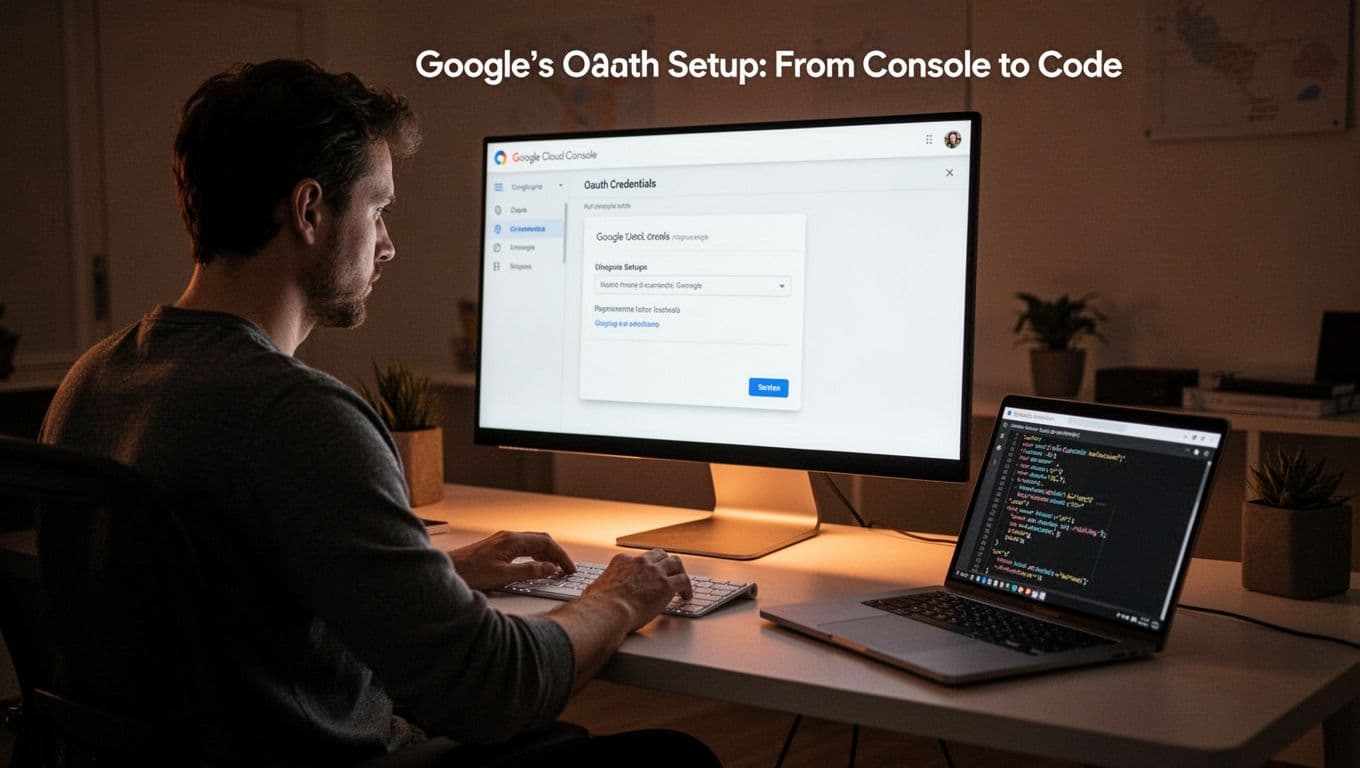
Google makes OAuth setup straightforward. You start in the Google Cloud Console, grab credentials, and wire it into your code. This process fits right into the flows we covered earlier. Because it uses standard OAuth 2.0, your app handles Google logins alongside Facebook without extra hassle. Let’s walk through it step by step.
Create Credentials in Google Cloud Console
Head to the Google Cloud Console first. Pick or make a project. Then enable APIs like People API for profile data.
Next, go to Credentials. Click “Create Credentials” and choose OAuth 2.0 Client ID. Select Web application for most sites. Add your redirect URI, such as http://localhost:3000/auth/callback. Google spits out your client ID and client secret right away.
Download the JSON file for safekeeping. Test URIs must match exactly. Otherwise, logins fail. In addition, restrict origins for security.
Endpoints, Scopes, and Token Verification
Google sticks to core endpoints. Use https://accounts.google.com/o/oauth2/v2/auth for user approval. Then swap codes at https://oauth2.googleapis.com/token.
Scopes define what you get. Request openid email profile for basics. Add https://www.googleapis.com/auth/userinfo.email for email checks. Users see and approve them clearly.
After token exchange, verify on your server. Hit Google’s tokeninfo endpoint: https://www.googleapis.com/oauth2/v3/tokeninfo?id_token=YOUR_ID_TOKEN. It confirms issuer, audience, and expiry. Refresh tokens extend access too. Google limits you to 100 per user per client ID.
For details, see Google’s OAuth 2.0 protocols guide.
Code It Up: Libraries and JS Example
Libraries speed things up. Passport.js handles Node backends easily. Install it, then set strategy with client ID and secret.
Firebase shines for front-ends. Use signInWithPopup for instant SPAs:
import { GoogleAuthProvider, signInWithPopup, getAuth } from 'firebase/auth';

const provider = new GoogleAuthProvider();
provider.addScope('email');
provider.addScope('profile');

const auth = getAuth();
signInWithPopup(auth, provider)
  .then((result) => {
    const credential = GoogleAuthProvider.credentialFromResult(result);
    const token = credential.accessToken;
    const user = result.user;
    console.log(user);
  })
  .catch((error) => {
    console.log(error);
  });
This pops a window, grabs the token, and logs the user. Backend verifies next.
Multi-provider setups stay simple. Swap providers in one flow. Google pairs well with Facebook because both follow OAuth. You build once, run everywhere. Test locally, deploy secure.
Facebook’s Graph API: Login Power in v20.0
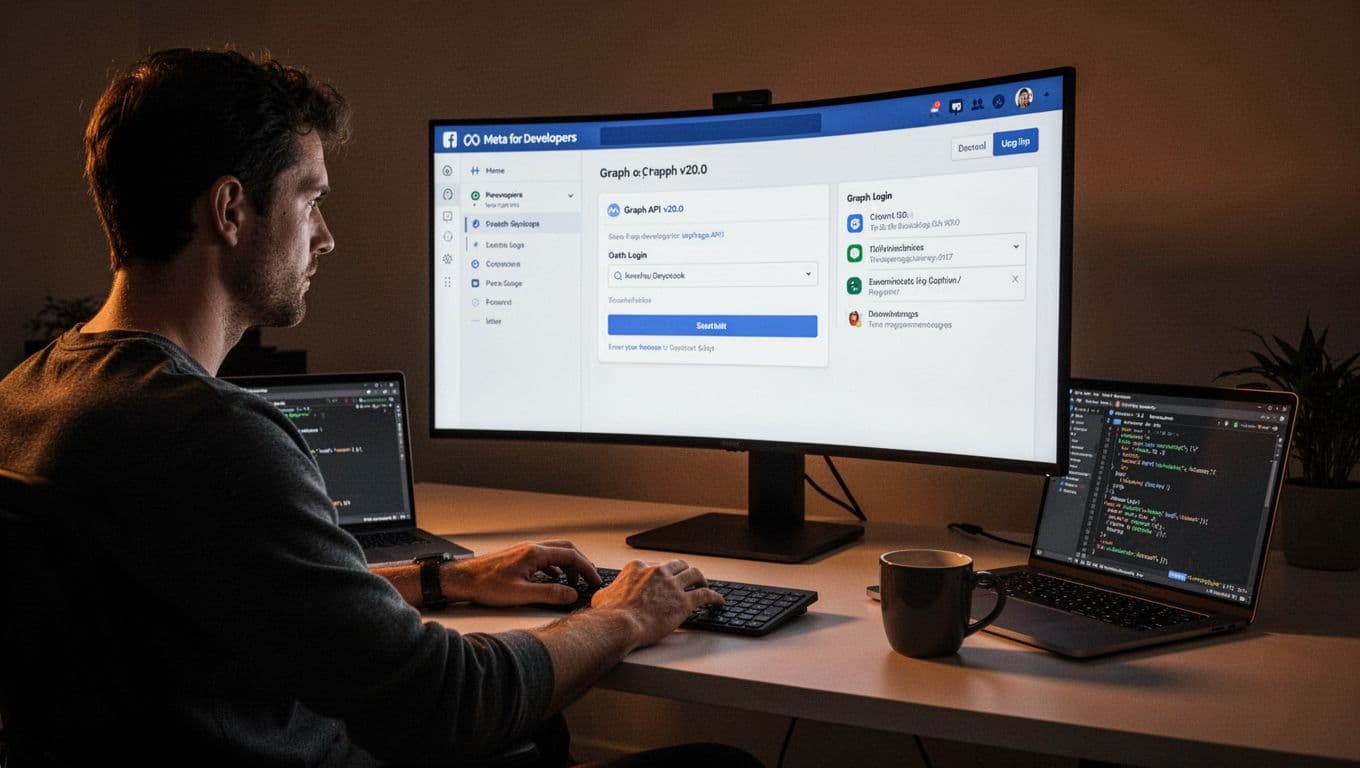
Facebook powers logins through its Graph API v20.0. This version handles OAuth flows smoothly, much like Google. However, it adds extras like long-lived tokens for Pages. You start at the Meta for Developers site. Create an app there, then tweak settings for login. As a result, your site grabs user data fast and safe.
v20.0 stays solid until September 2026. Upgrade to v25.0 later for fresh metrics. Meanwhile, it supports PKCE and server flows. Differences from Google? Facebook ties everything to Graph endpoints. Scopes pull profile or Pages data directly.
Set Up App and Credentials in Meta for Developers
Log into Meta for Developers. Click “My Apps” and create one. Pick “Consumer” type for logins. Next, add products like Facebook Login.
Go to Settings > Basic. Note your App ID (like client ID) and App Secret (client secret). Under Facebook Login > Settings, list redirect URIs. Match them exactly, such as https://yourapp.com/auth/callback. Save changes.
Test mode works first. Switch live later. In addition, enable OAuth login features. This mirrors Google’s console but focuses on apps over projects.
Endpoints, Scopes, and Long-Lived Tokens
Hit https://www.facebook.com/v20.0/dialog/oauth for user consent. Swap codes at https://graph.facebook.com/v20.0/oauth/access_token, like the curl we saw earlier.
Fetch data with /me?fields=id,name,email. Scopes include public_profile or pages_show_list for Pages. Users approve them upfront.
Short tokens last an hour. Exchange for long-lived ones (60 days) via this endpoint. POST to https://graph.facebook.com/v20.0/oauth/access_token?grant_type=fb_exchange_token&client_id=APP_ID&client_secret=APP_SECRET&fb_exchange_token=SHORT_TOKEN. Great for Pages management. Google skips this; it uses refresh tokens instead.
Backend Verification and Node.js Code
Always verify tokens server-side. Use the debug_token endpoint: https://graph.facebook.com/debug_token?input_token=USER_TOKEN&access_token=APP_TOKEN.
In Node.js, install axios. Here’s a quick script:
const axios = require('axios');

async function verifyToken(userToken, appToken) {
  try {
    const response = await axios.get('https://graph.facebook.com/v20.0/debug_token', {
      params: {
        input_token: userToken,
        access_token: appToken
      }
    });
    console.log(response.data); // Checks app ID, expiry, scopes
  } catch (error) {
    console.error('Token invalid:', error.response.data);
  }
}

verifyToken('USER_TOKEN_HERE', 'APP_ACCESS_TOKEN');
This confirms validity. Store results in your DB. Because Facebook requires app tokens for debug, generate one first via /me/accounts.

Run this after every login. It blocks fakes. Pair it with Google verification for multi-provider apps. Your setup stays tight.
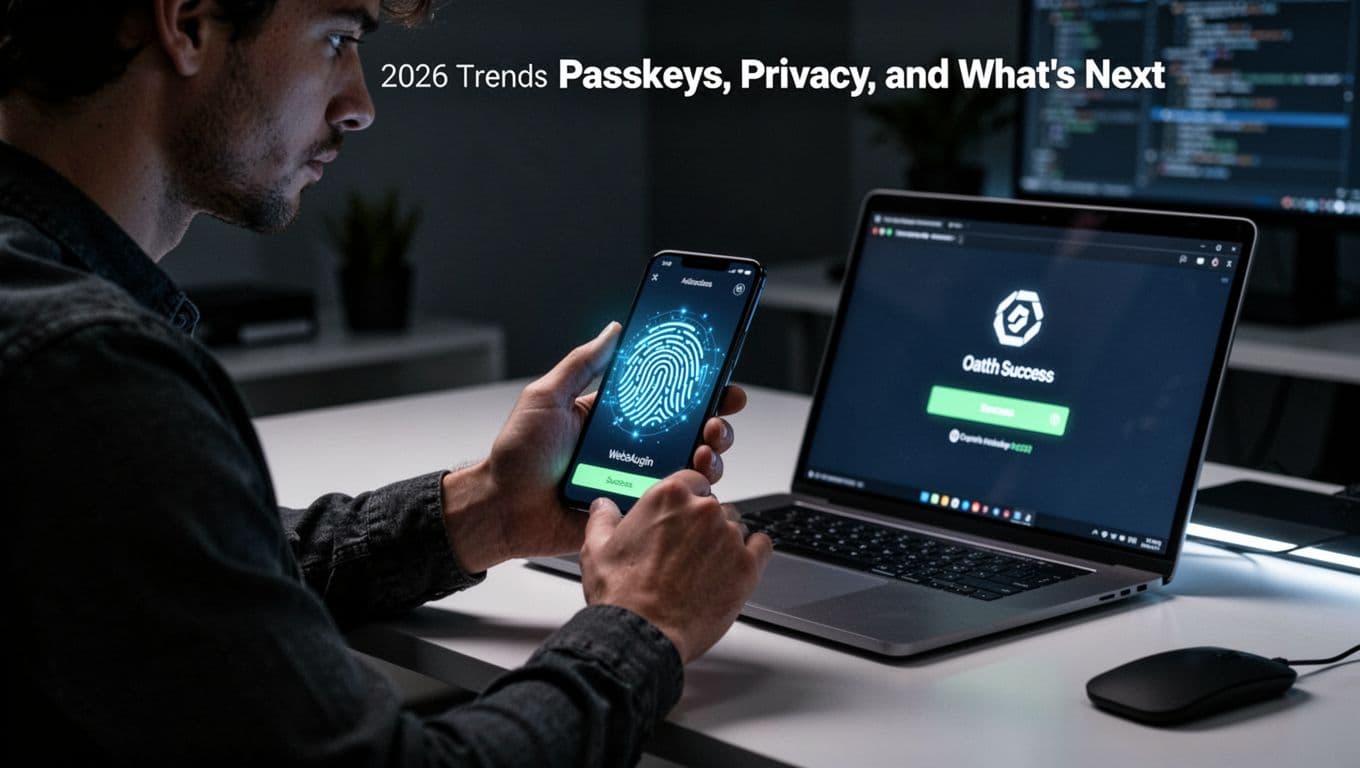
2026 Trends: Passkeys, Privacy, and What’s Next
Social logins keep evolving. Google and Facebook push safer methods beyond tokens. By 2026, expect passkeys with WebAuthn to blend into OAuth flows. These changes cut hack risks and boost user trust. Because passwords fade, biometrics rise. Let’s look ahead.
Passkeys and WebAuthn Reshape OAuth Logins
Passkeys store credentials on your device. They use public-key crypto, so no server holds secrets. Google and Meta integrate WebAuthn into OAuth. You tap a fingerprint or face scan instead of typing.
This setup blocks phishing. Hackers grab passwords easily. Passkeys stay local. As a result, breaches drop. For example, Apple’s FIDO push with Google speeds adoption. See this migration playbook for passkeys in 2026.
Biometrics lead the way. Phones verify you fast. No more codes or apps. Users feel secure. Sites gain loyalty because logins feel effortless.
PKCE Locks In, Scopes Shrink for Privacy
PKCE already protects code swaps. By 2026, it becomes the norm for all flows. Google requires it for SPAs now. Meta follows suit. No more weak Implicit grants.
Request minimal scopes only. Ask for email first, profile next. Users approve less. Privacy wins. In addition, OAuth 2.1 drafts enforce this. Check PKCE best practices for secure flows.
Fewer permissions mean fewer leaks. Trust grows when users control data.
Serverless Edge Speeds Up with Next.js
Serverless setups cut delays. Edge functions on Vercel or Cloudflare handle token swaps near users. Logins happen in milliseconds.
Next.js shines here. Use API routes for backend logic. Here’s a simple edge example:
// pages/api/auth/[provider].js
export default async function handler(req, res) {
  // PKCE + passkey flow
  const code = req.query.code;
  const token = await exchangeCode(code); // Custom func
  res.json({ token });
}
Deploy to edge. No cold starts. Because it runs global, users worldwide log in fast. Combine with passkeys for top speed.
These trends make logins unbreakable. You build trust. Users stick around. Start testing now.
Conclusion
OAuth 2.0 powers those magic “Sign in with Google” or “Facebook” buttons you love. It swaps secure tokens for passwords, so sites like Spotify log you in fast without risks. As a result, everyone wins with speed and safety.
We walked through the flows, from client IDs to token swaps. Google Cloud Console and Meta dashboards make setup simple. Trends like PKCE and passkeys prepare you for 2026 changes, so logins stay unbreakable.
Try it today. Grab credentials from Google’s console or Meta for Developers. Share your first login story in the comments below. What provider will you add next? Subscribe for more tips to future-proof your site.