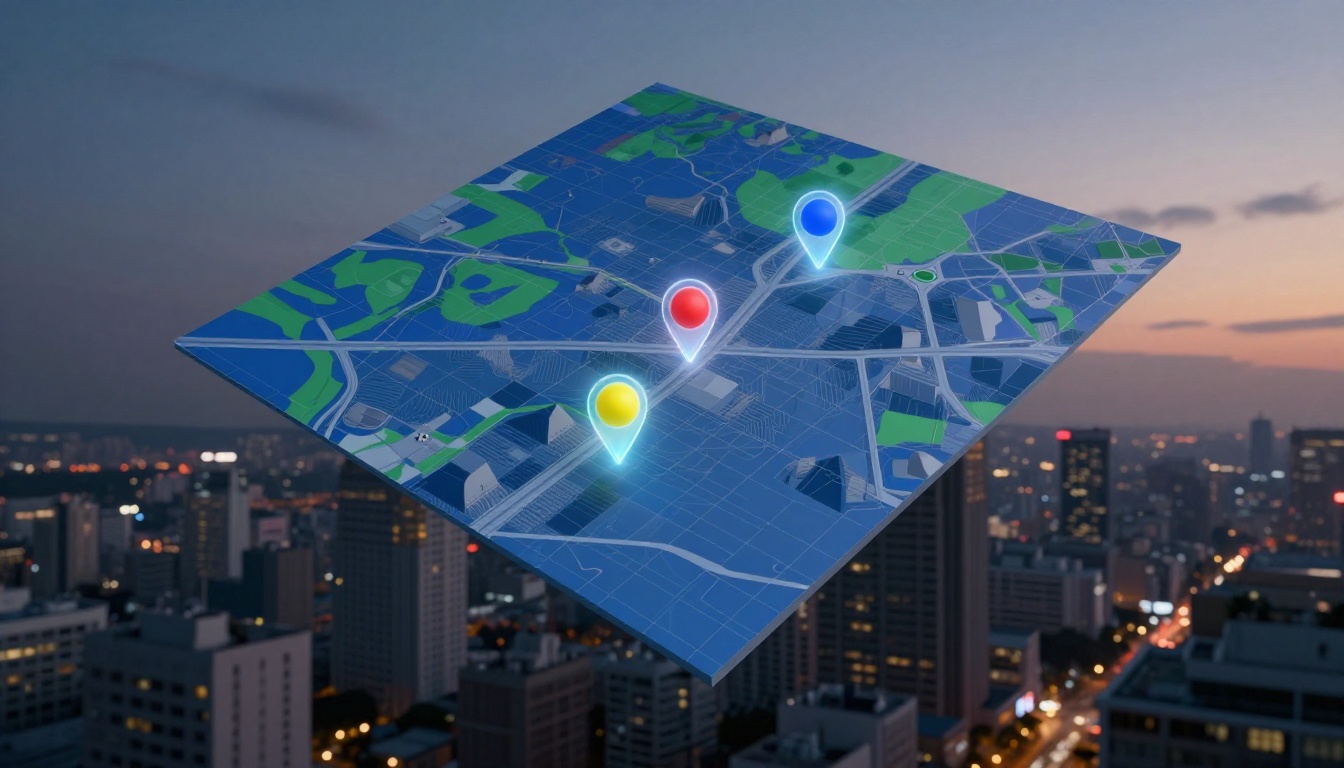
Imagine you type “coffee shop near me” into your phone. Pins pop up right away, showing photos, reviews, and walking times. You pick one and go, no hassle.
That’s Google Maps APIs doing the heavy lifting. These tools act like smart messengers. Developers use them to grab addresses, turn them into exact spots on a map, and display everything smoothly.
You’ll see the Maps JavaScript API draw interactive visuals with those colorful pins. The Geocoding API handles the address-to-coordinates switch, so “123 Main St” becomes precise latitude and longitude. Then the Places API adds rich details like ratings, hours, and nearby options.
In short, they team up in a chain for spot-on results. Stick around, and we’ll break down how Google Maps uses APIs to show locations, step by step.
Building Interactive Maps with the Maps JavaScript API
You start with the Maps JavaScript API because it builds the base for any map display. Developers grab an API key from Google Cloud Console, then load it into their site or app. This pulls in street views, satellite imagery, or even 3D buildings right away. For example, a restaurant website embeds a map that matches Google’s full app, complete with zoom controls and smooth pans.
Customization keeps things simple yet powerful. Set the initial zoom level to show a neighborhood close up. Pick map styles like light, dark, or hybrid for better fit. As a result, your map feels native and responsive. Sites like local eateries use this to drop users straight into the action without leaving the page.
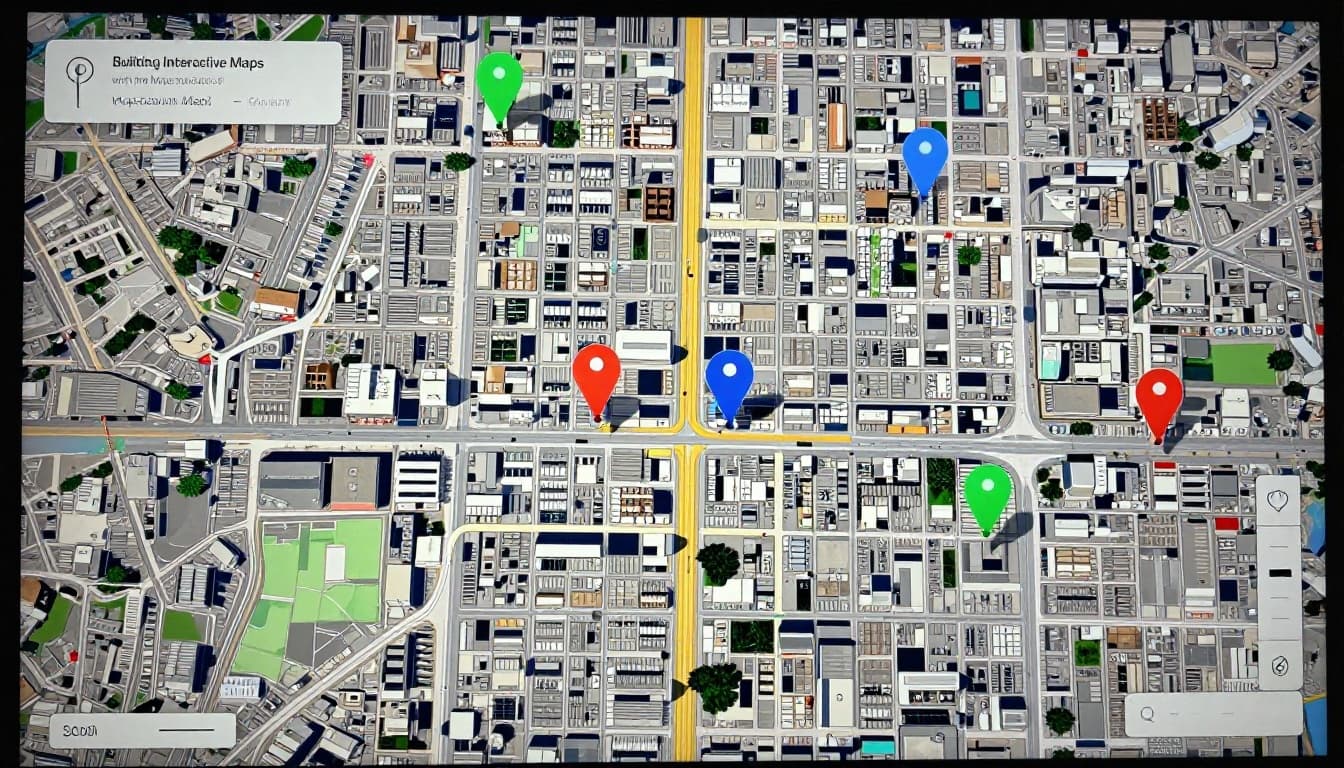
Most importantly, this API sets the visual foundation. You layer data on top later, like from Geocoding or Places. A basic embed looks like this: load the script with your key, create a map div in HTML, then initialize with center coordinates and zoom. Boom, interactive map ready.
Why Developers Love Its Flexibility for Custom Pins
Pins mark exact spots, and this API makes them easy to add and tweak. First, grasp latitude and longitude: think of them as map grid lines. Latitude runs horizontal, like 37.42 degrees north. Longitude goes vertical, say -122.08 degrees west. Together, they pinpoint any address accurately.
You drop pins with markers. The latest Advanced Markers let you swap the default red dot for custom colors, sizes, or icons. A coffee shop site pins its doors in green, for instance. Click one, and an info window pops up with hours or a photo.
Overlays add more flair. They tie shapes or images to those coordinates, so everything shifts with zooms or drags. Developers mix pins, lines for routes, or polygons for zones. In short, you control every detail. Therefore, maps stay precise and branded for your app.
Here’s what stands out:
- Markers for pins: Position them anywhere; hover shows tooltips.
- Info windows: Display details on click, like reviews.
- Custom overlays: Build unique visuals that move naturally.
This flexibility turns basic maps into engaging tools. Your users spot locations fast, just like in the Google app.
Converting Addresses to Exact Coordinates Using Geocoding API
You need exact spots on a map from simple addresses. That’s where the Geocoding API steps in. It changes “1600 Amphitheatre Parkway” into latitude 37.42216 and longitude -122.08427. Those numbers place a pin right at Google headquarters in Mountain View. As a result, apps show precise locations fast.
This API bridges text searches and visuals. Delivery drivers enter an address. The API turns it into coordinates for the best route. Accuracy counts here; a small error means wrong turns or late packages. Plus, it works with the Maps JavaScript API you saw earlier. Drop those coordinates, and pins appear instantly.
Most apps start with forward geocoding. You type in the search bar, like in Google Maps autocomplete. It suggests matches and pins them before you hit enter. Reverse geocoding flips it around. It grabs coordinates from a tap on the map and spits out the address.
Pricing stays simple. Google offers 10,000 free requests monthly. After that, costs $5 per 1,000 requests. Set quotas in the Cloud Console to control spending.
Forward vs Reverse: Which One Powers Your Searches?
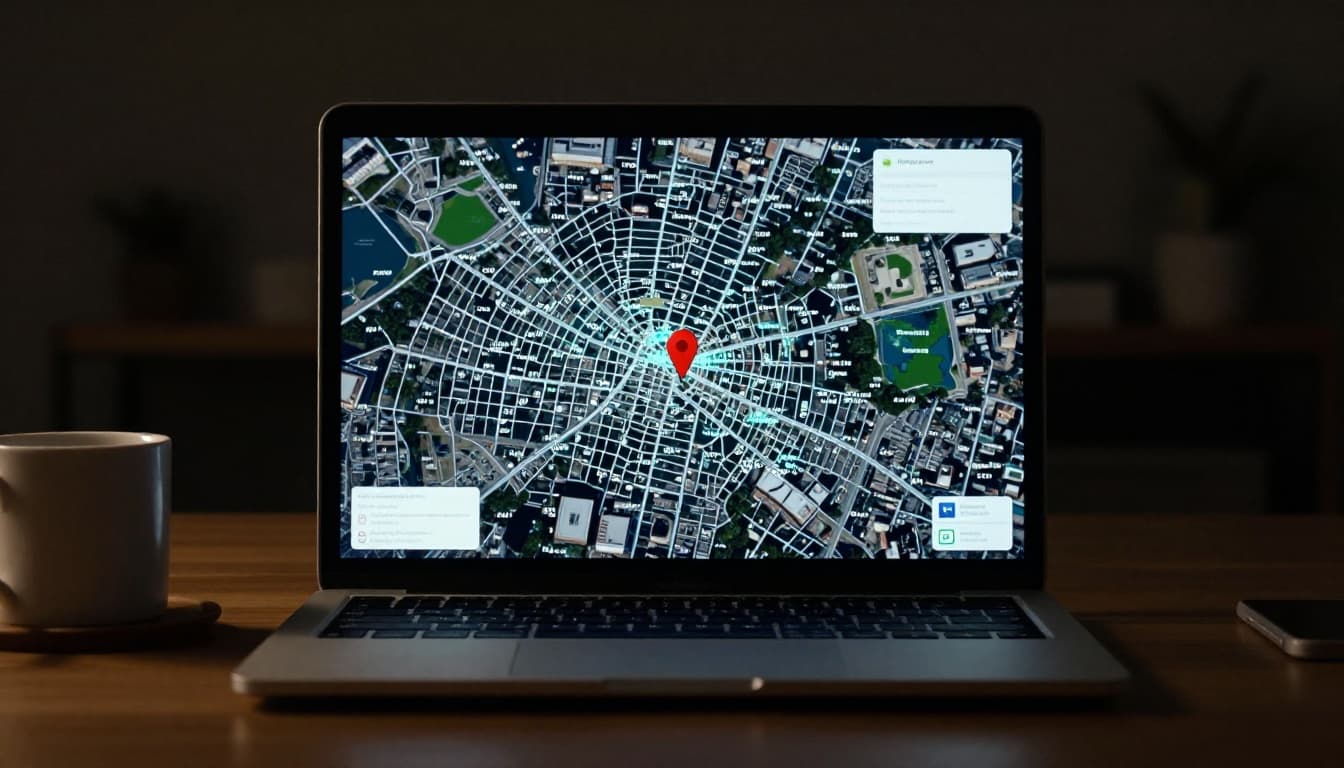
Forward geocoding takes addresses to coordinates. Enter “pizza place on Elm Street,” and it returns lat/long for the pin. Search bars in ride apps or delivery services rely on this. Autocomplete in Google Maps predicts as you type. Therefore, results load quick and spot-on.
Reverse does the opposite. Start with coordinates, say from a GPS tap. It gives back “123 Main St, Anytown, CA.” Users drop a pin on a map; the app labels it. Both handle fuzzy inputs well, but forward powers most daily searches.
Here’s a quick side-by-side look:
| Feature | Forward Geocoding | Reverse Geocoding |
|---|---|---|
| Input | Address or place name | Latitude and longitude |
| Output | Coordinates and Place ID | Human-readable address |
| Example Use | “Eiffel Tower” → 48.8584, 2.2945 | 48.8584, 2.2945 → “Champ de Mars” |
| App Scenario | Search bar suggestions | “What’s here?” on tapped location |
Forward fits text-to-map needs best. Check the Geocoding API overview for code samples. Reverse shines in custom pins, like sharing exact spots. In short, pick based on your flow, but forward drives the magic in apps you use every day.
Unlocking Rich Location Details with the Places API
You have coordinates from the Geocoding API. Now add depth with the Places API. This powerhouse taps into over 200 million places worldwide. It pulls ratings, photos, hours, and more for any spot. Developers love it because Place IDs act as unique keys. Grab one from Geocoding, then fetch full details. As a result, pins turn into smart hotspots.
Businesses move or update often. The API keeps data fresh with user reviews and owner edits. Think EV chargers or wheelchair access. Your app shows what’s really there now. In addition, categories like “coffee shop” or “gas station” help filter results fast.
Place Details and Search: Getting the Full Scoop on Any Spot
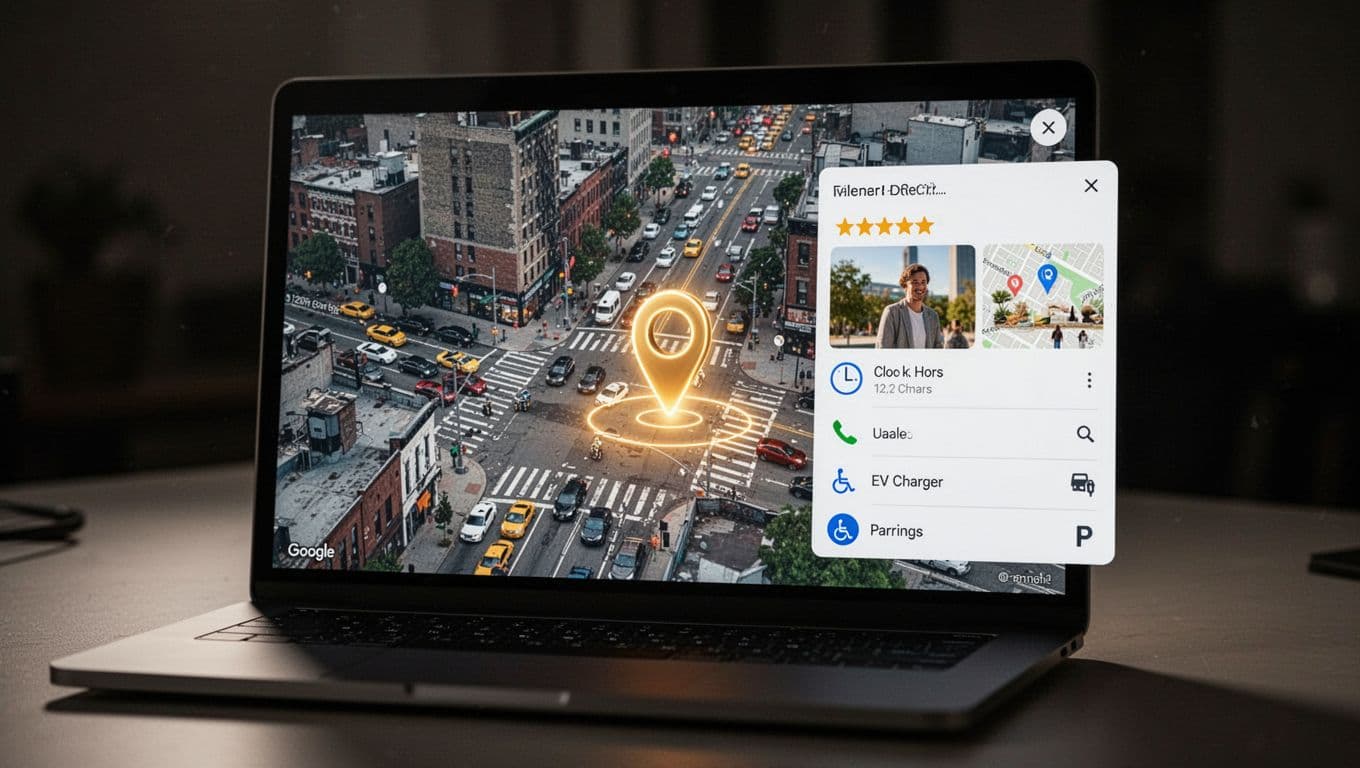
Click a pin, and Place Details delivers the goods. Send a Place ID to the API. You get a JSON response packed with address, phone, ratings, opening hours, and user photos. For example, a restaurant pin reveals 4.5 stars, today’s hours, and parking info.
Nearby Search finds spots around coordinates. Type “coffee near me,” and it lists options within 500 meters. Text Search does the same with keywords. Both return Place IDs for deeper dives. Categories narrow it down, like “restaurant” or “gym.”
Here’s how they shine:
- Real-time updates: Hours change; the API reflects it quick.
- Rich extras: Photos, reviews, even price levels from 1 to 4 dollars.
- Search power: Radius or keyword pulls relevant pins instantly.
Check the Place Details documentation for sample requests. Meanwhile, Nearby Search docs show radius examples. Users tap a coffee pin. They see photos and call with one click. Therefore, apps feel alive and helpful.
Autocomplete and Photos: Making Discovery Fast and Visual
Type “Starbucks near,” and Autocomplete suggests full addresses. It predicts as you go, using your location. Each suggestion comes with a Place ID. Pick one, and it pins right away. This speeds up searches, just like in Google Maps.
Photos take it further. Use the Place ID to fetch up to 10 images. Show the best in info windows or lists. Users judge a spot by real pics, not guesses. As a result, engagement jumps.
Tie it to the Maps JavaScript API for smooth flow. Autocomplete feeds the map. Photos load on hover. See the Autocomplete guide for setup. In short, discovery feels instant and pretty. Your app matches what users expect from Maps every day.
How These APIs Team Up to Display Locations Flawlessly
These APIs work together like a well-oiled team. The Geocoding API grabs coordinates from an address. Places API adds details like ratings and hours. Maps JavaScript API draws the pin and map. Then Routes API steps in for directions. You get flawless results in seconds. Developers send simple HTTP requests with an API key, like https://maps.googleapis.com/maps/api/geocode/json?address=1600+Amphitheatre+Parkway&key=YOUR_API_KEY. Each call hands off data to the next. Ride-sharing apps stay accurate for pickups. Stores show exact entrances. Best part? Setup feels easy because Google handles the heavy math.

Real-World Example: From Search to Directions in Seconds
Picture this. You drive through the city, low on fuel. You grab your phone and type “gas station near me.” Here’s how the APIs make it happen, step by step:
- Autocomplete kicks off with Places API. As you type, it suggests spots based on your location. Each pick returns a Place ID and rough coordinates fast.
- Geocoding API refines the spot. It turns the address into exact lat/long, like 37.7749, -122.4194 for a station nearby. Accuracy prevents wrong turns.
- Maps JavaScript API draws the map and pin. It loads the visual with a red marker right on the station. Zoom in; everything moves smooth.
- Places API loads details on click. Tap the pin. You see 4.2 stars, open hours, EV charger yes/no, and photos. Data pulls fresh every time.
- Routes API adds directions. Hit “Get Directions,” and it computes the path to the entrance. Shows time, distance, and traffic in real time.
All this flows with one API key. Check Google’s Place Autocomplete and Directions example for code that matches. Ride apps like Uber nail pickups this way. Stores guide customers straight to doors. Developers love the chain because one request triggers the rest. You focus on your app; Google pins it perfectly.
Fresh 2026 Updates Taking Google Maps Locations to the Next Level
Google keeps pushing Maps APIs forward. In 2026, fresh changes make pins smarter and more useful. You get AI summaries, better precision, and key details like EV chargers right on spots. These upgrades help apps stay sharp for delivery or daily drives. As a result, developers build tools that match what users need now.
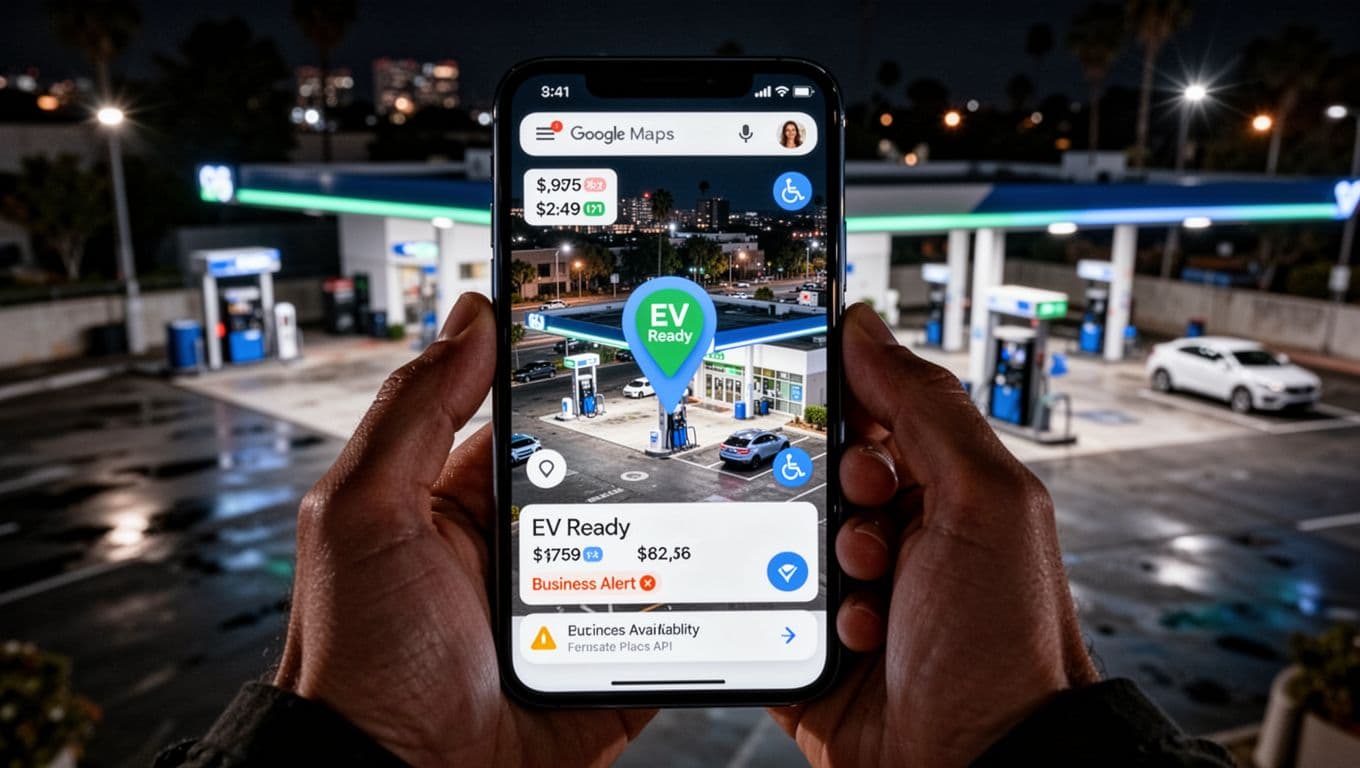
Places API leads with new features. It now shares EV charging info, accessibility details, and parking options. Tap a pin for gas station prices or wheelchair ramps. Building entrances show up too, so routes hit the right door. Business moves trigger alerts, keeping data current.
AI Summaries and Review Highlights in Place Details
PlaceDetailsElement got a boost in early 2026. It now pulls AI-generated summaries and review overviews. Click a restaurant pin. You see quick takes like “busy spot with great tacos” plus star trends. Therefore, users decide faster without reading everything.
This ties to Places API’s new version. Developers access it via simple calls. In addition, it fixes mobile touches and 3D markers. Apps feel smoother on phones. Check the new Places API announcement for EV and accessibility extras.
Precision Boosts for Delivery and Routing
Routes API takes center stage this year. Google calls older ones legacy, so switch for cheaper rates and sharper paths. It handles traffic, lanes, and exact entrances better. Delivery apps pin drop-offs dead on; no more guesswork.
Pins gain gradient icons for standout views. Immersive nav adds 3D routes with real-time tweaks. As a result, your coordinates from Geocoding land perfectly. Precision cuts errors in rides or packages.
Grounding Lite Opens AI Doors
Grounding Lite arrived as an experiment. It feeds Maps data into AI apps for grounded answers. Ask about a spot; it pulls real Places details. Therefore, chatbots give accurate directions or hours.
Meanwhile, JavaScript API hit version 3.64. It mends bugs in markers and flattens 3D views. Pricing shifted too, with free caps per feature. Places details run about $17 per 1,000 requests.
Lock in these updates early. Grab the latest docs and test Routes API swaps. Your pins stay fresh, so apps lead the pack.
Conclusion
Google Maps APIs chain together for perfect pins every time. Geocoding API grabs coordinates. Places API loads details. Maps JavaScript API shows it all smooth and interactive.
Sign up at Google Maps Platform now. Grab your free credits and API key. Test a simple embed in minutes.
Build your first map today. Drop it on a site or app. What will you create next? These tools open doors to smarter location features.